Evaluation13 min read
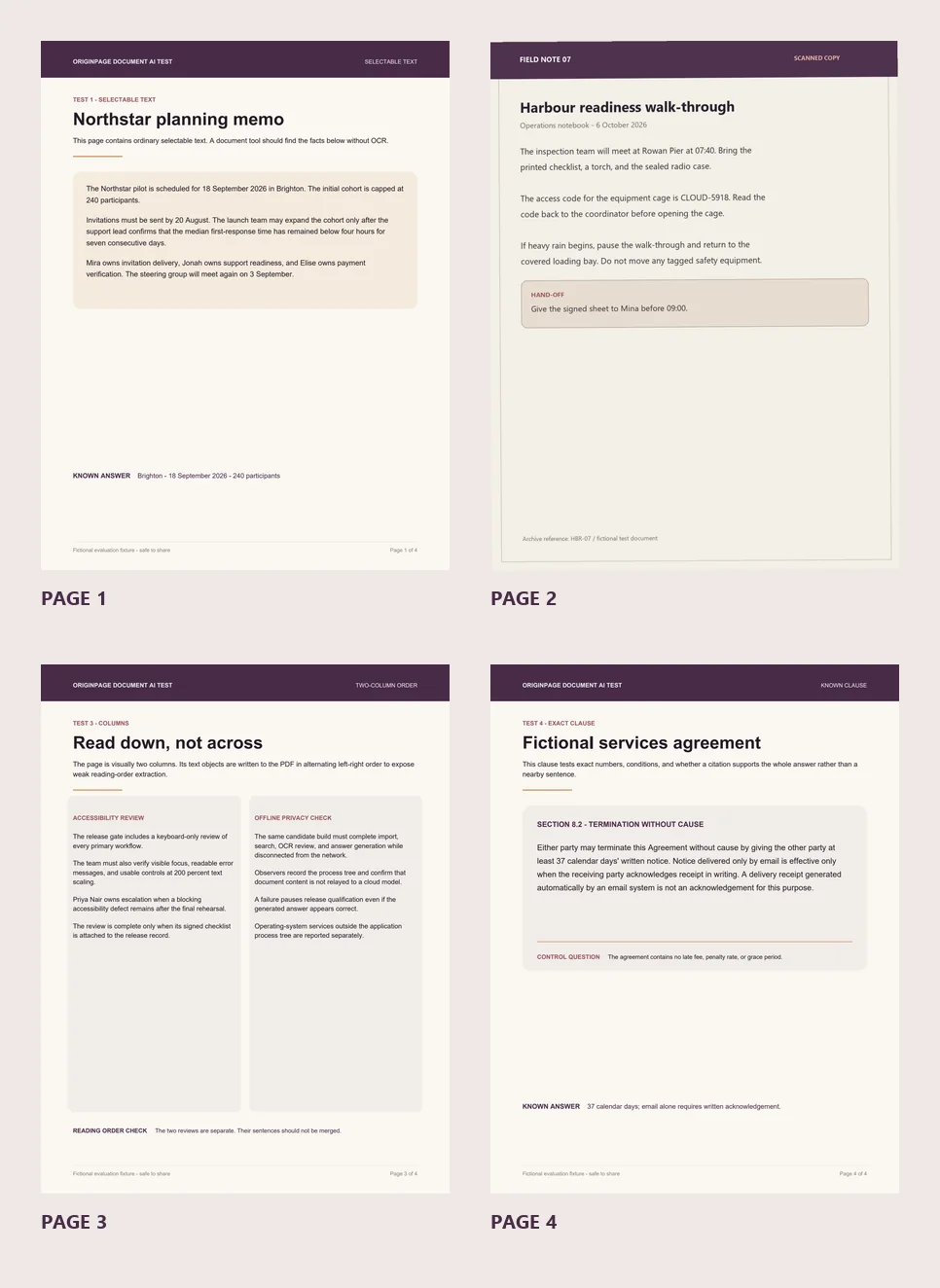
How to tell whether an AI tool actually read your PDF
A five-minute, vendor-neutral test for selectable text, scanned pages, columns, exact clauses, unsupported answers, and inspectable evidence.
 OriginPage
Practical guides for searching, comparing, and summarizing PDFs and Word files on Windows—without cloud uploads and with evidence you can inspect.
A five-minute, vendor-neutral test for selectable text, scanned pages, columns, exact clauses, unsupported answers, and inspectable evidence.
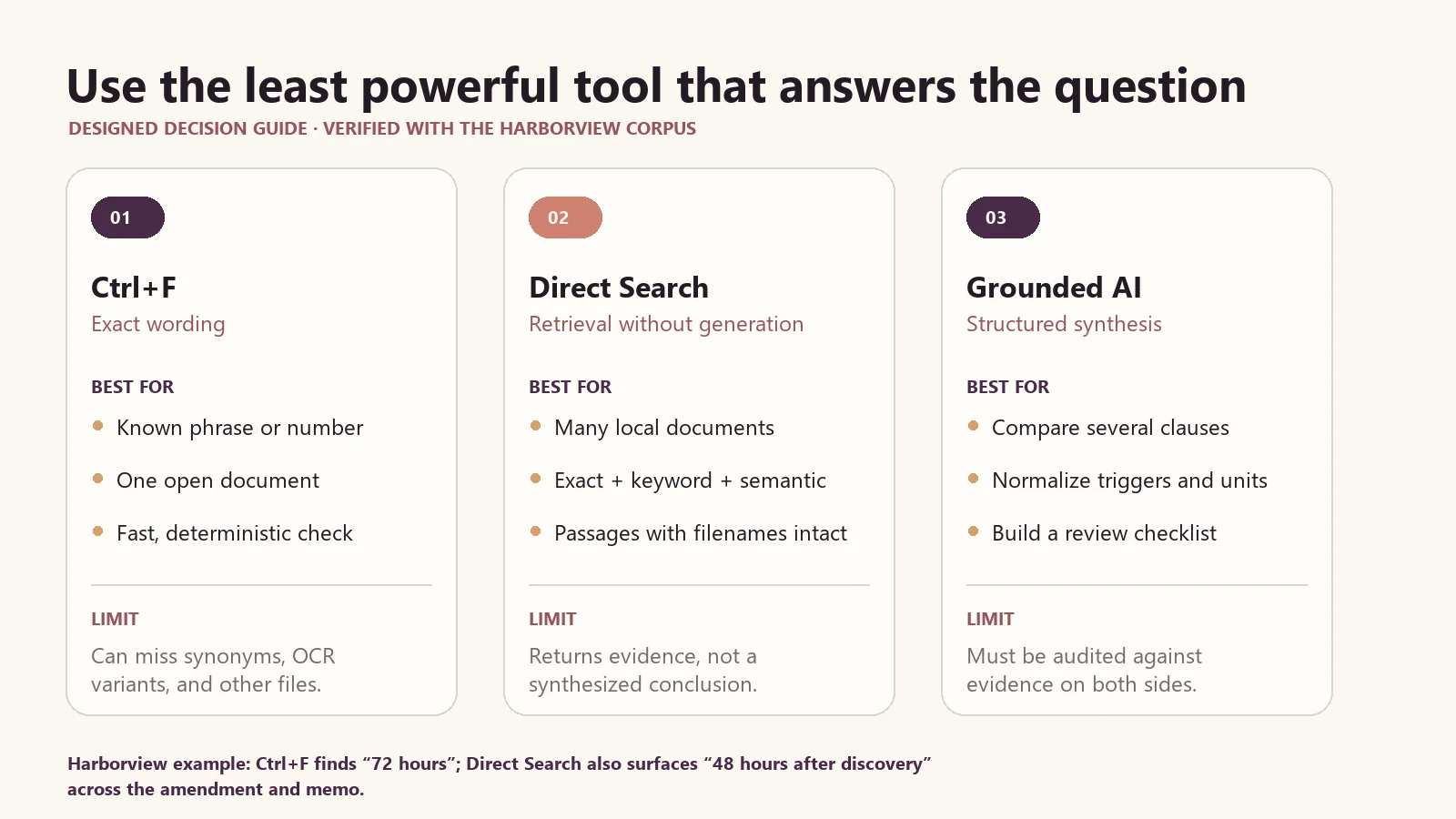
A practical guide to choosing exact phrase, keyword, semantic, hybrid search, or generated answers for contracts and other long documents.
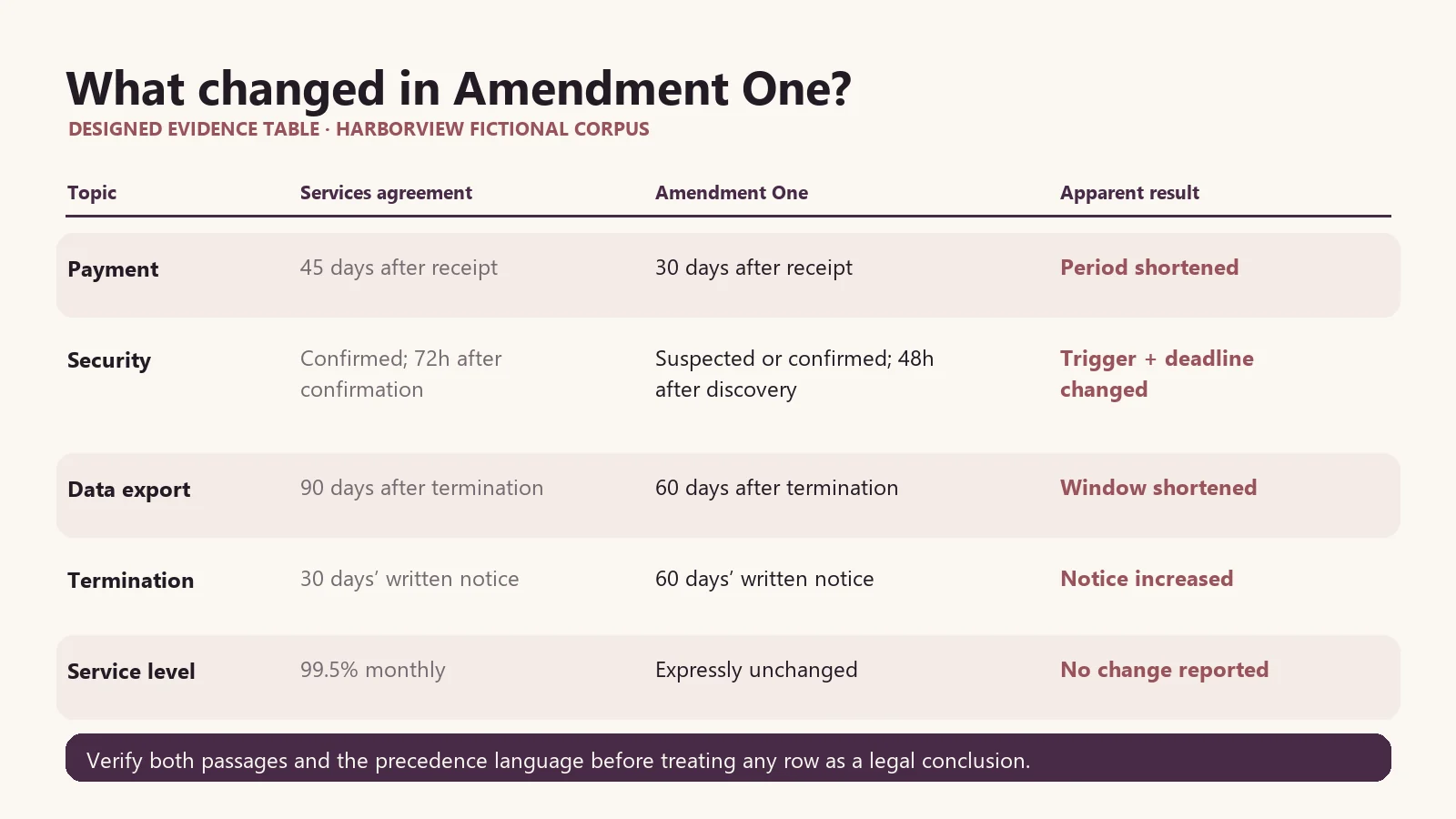
A practical, evidence-first workflow for comparing an agreement and amendment locally, finding changed clauses, and verifying every difference against the source.
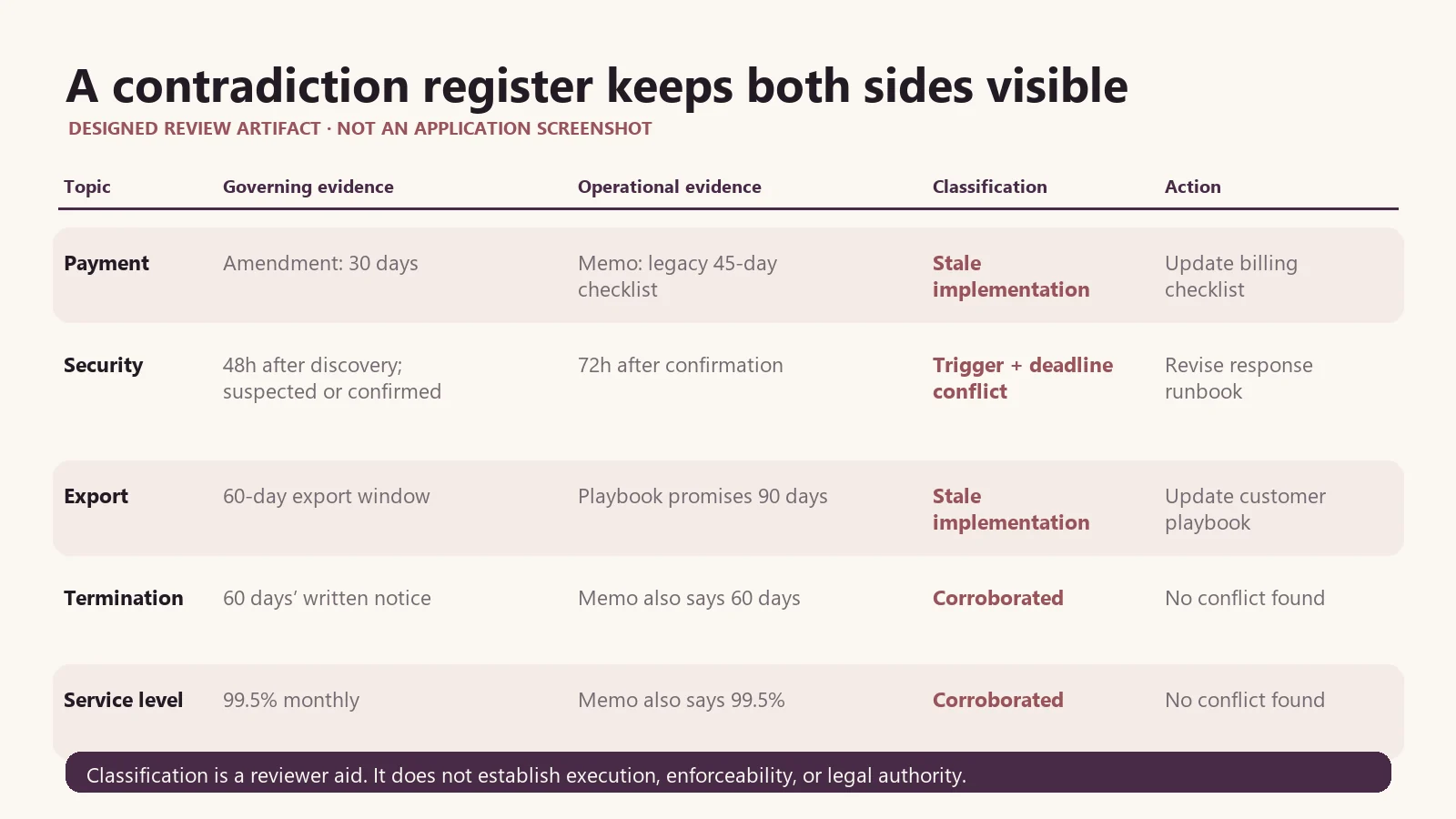
A practical workflow for locating conflicting dates, obligations, policies, and versions with local AI while preserving the source trail.
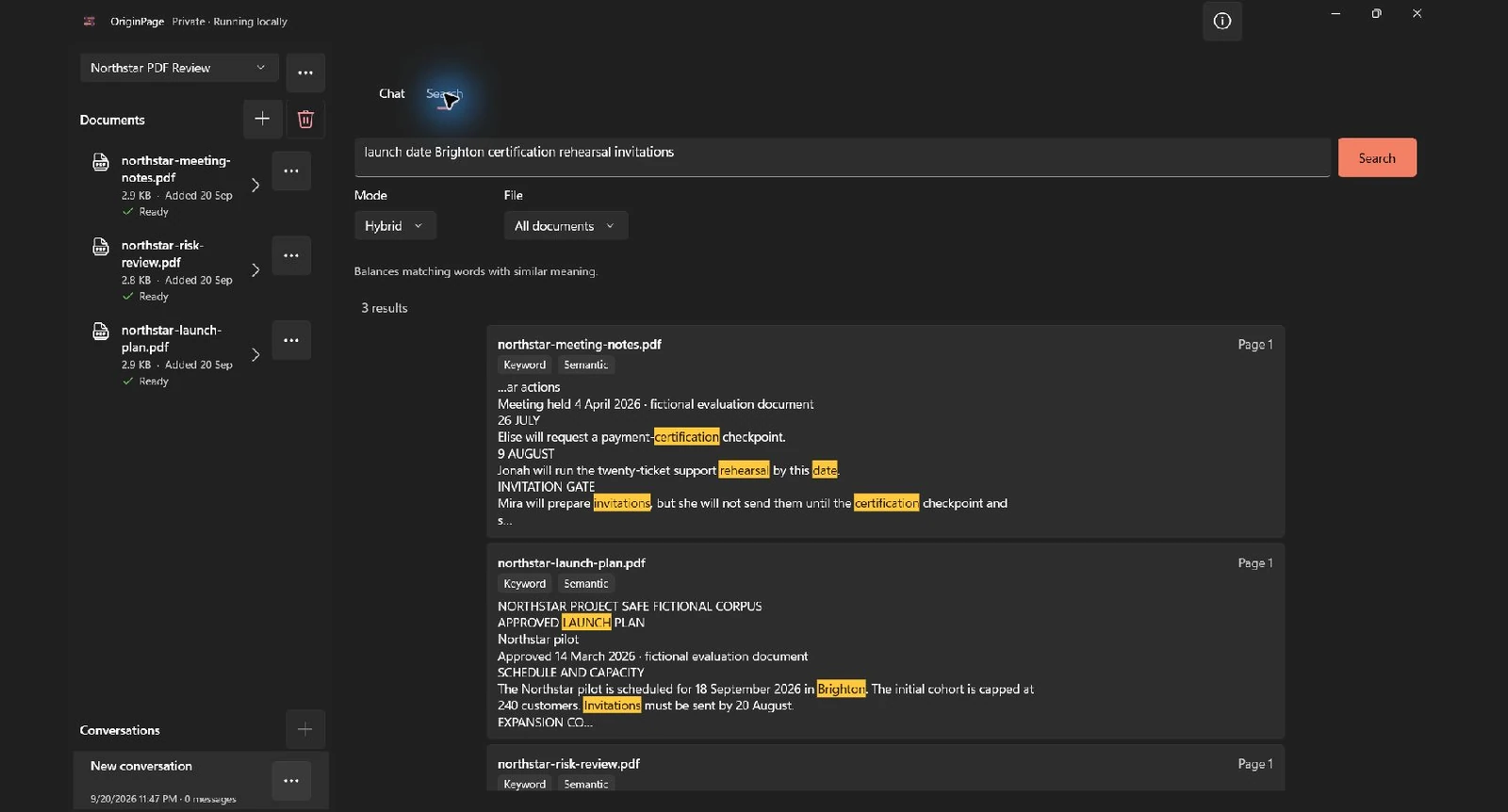
Search three sample PDFs in one offline workspace. Try Hybrid, exact, and semantic modes, narrow by file or page range, and verify each matched passage.
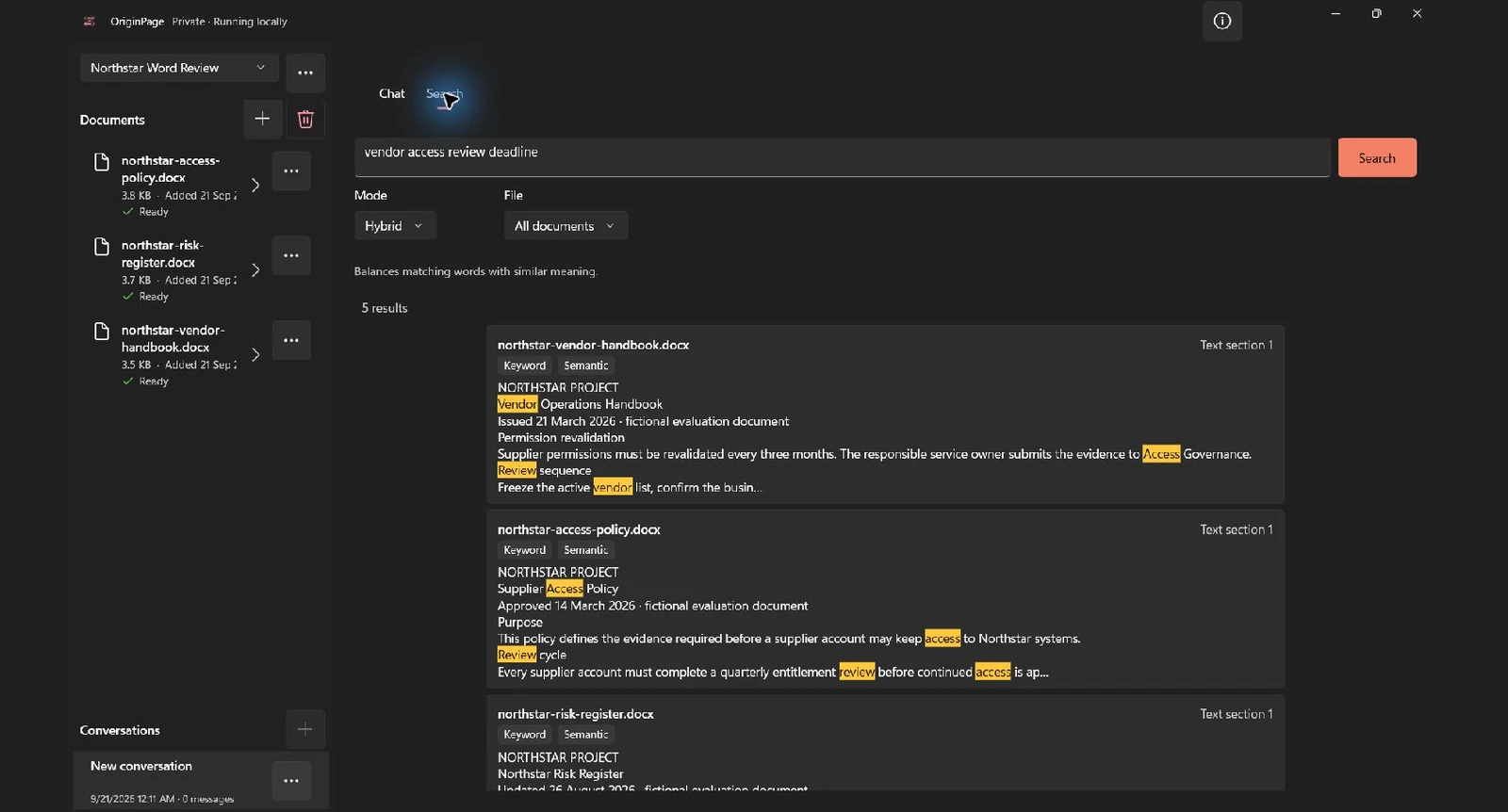
Use three sample Word files to test search across documents, from exact wording to paraphrases. Inspect extracted headings, footnotes, tables, and source context.
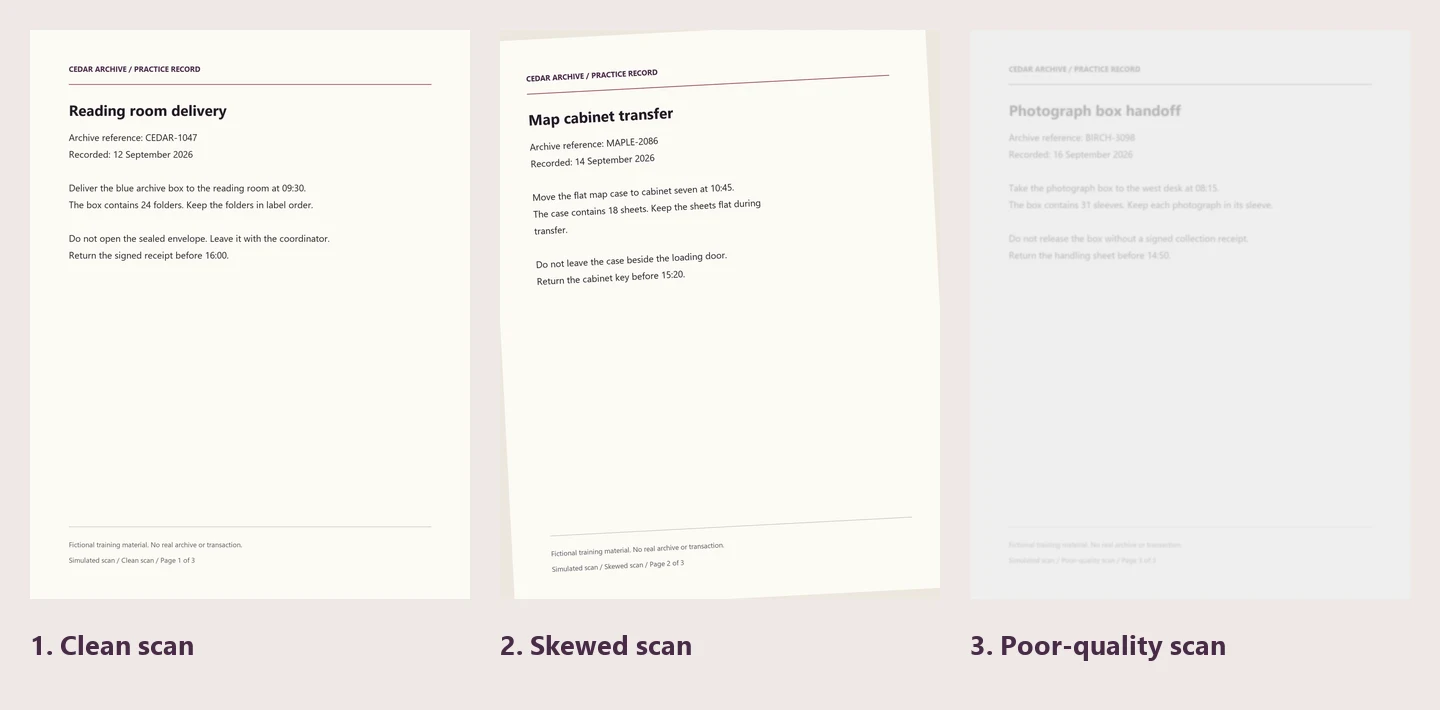
Search scanned PDFs locally in OriginPage. Try three downloadable scans, inspect real OCR omissions, approve or exclude pages, and verify what becomes searchable.
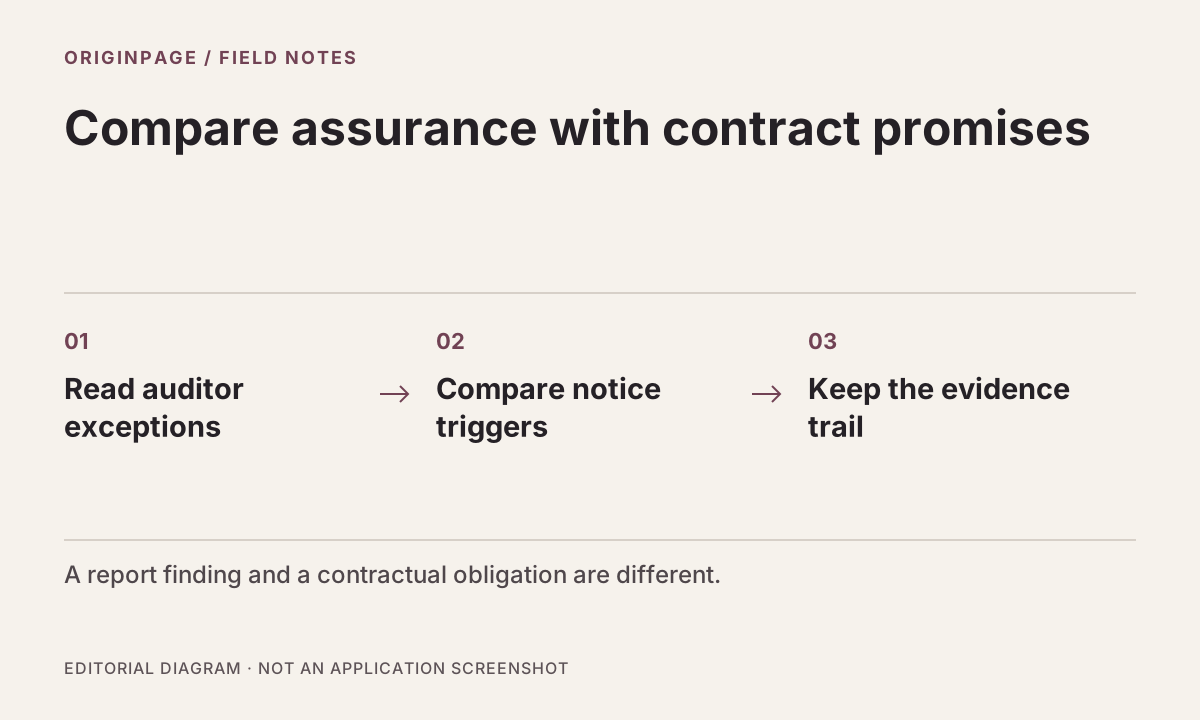
Find auditor exceptions and compare incident-notification terms with a fictional SOC 2 report and MSA. Includes separate practice files and a verification checklist.
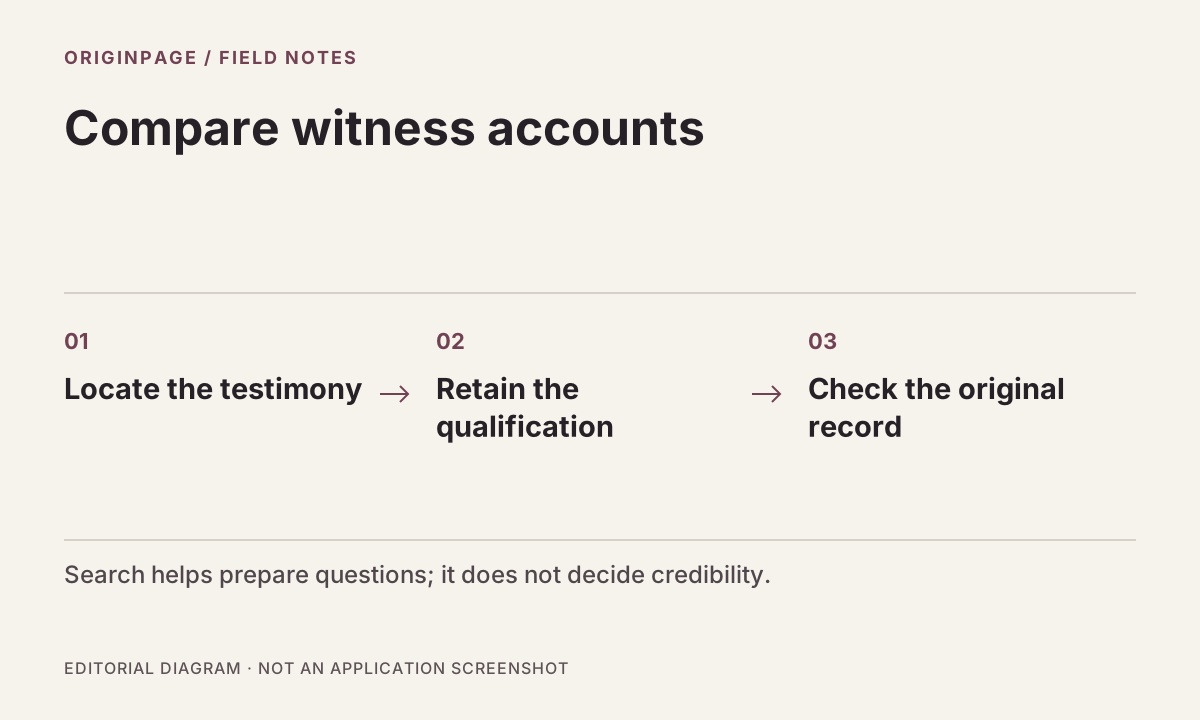
Compare two fictional witness accounts with a vessel log, preserve time and source details, and prepare questions for attorney review.
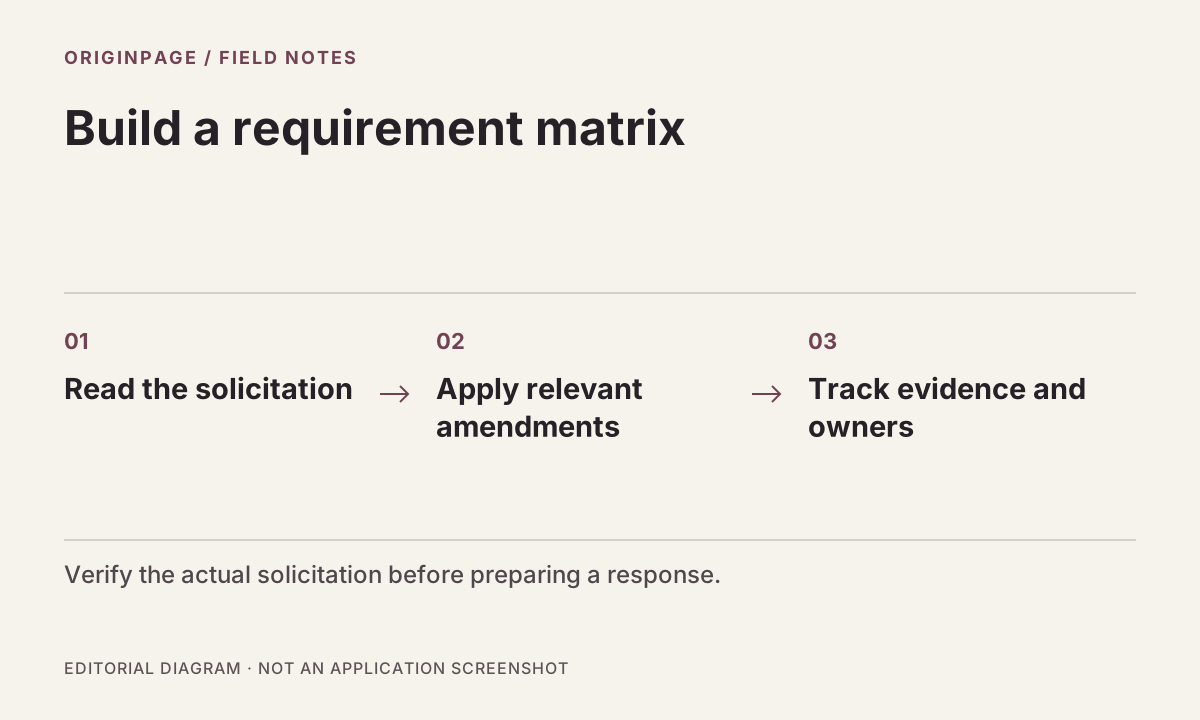
Compare a fictional solicitation, amendment, and capture memo to track changed deadlines, deliverables, and unanswered proposal questions.
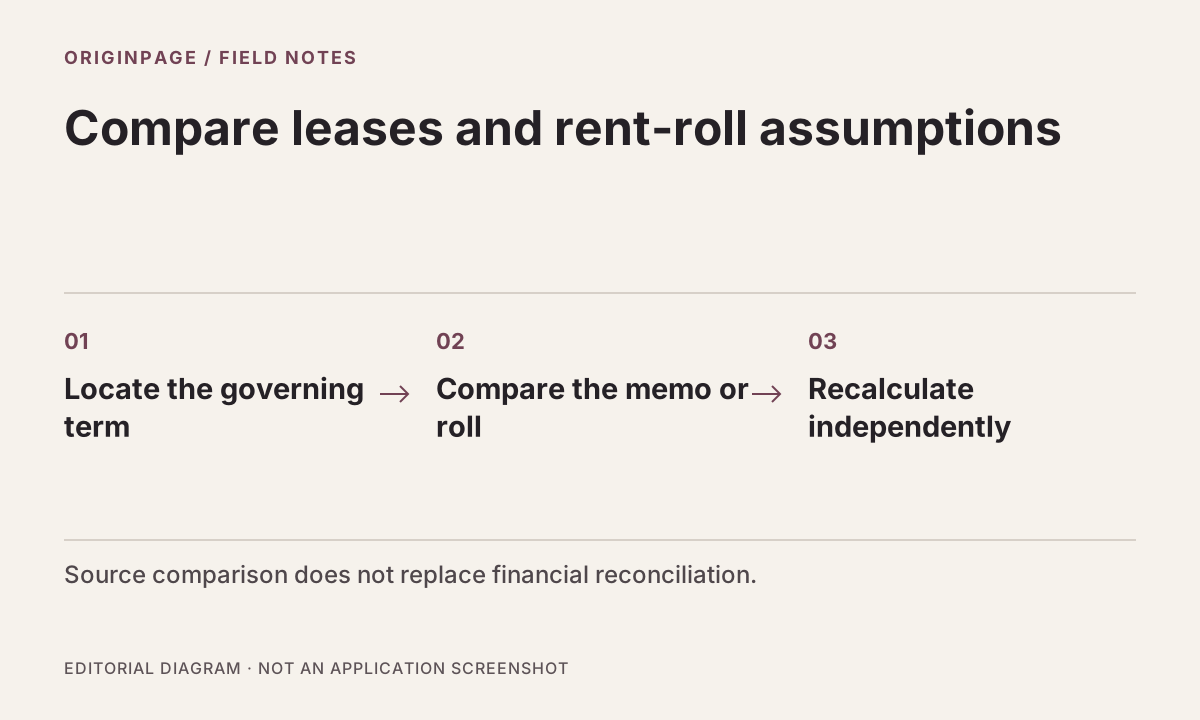
Compare fictional leases and an acquisition memo to trace CAM caps, consent requirements, and co-tenancy assumptions back to their sources.
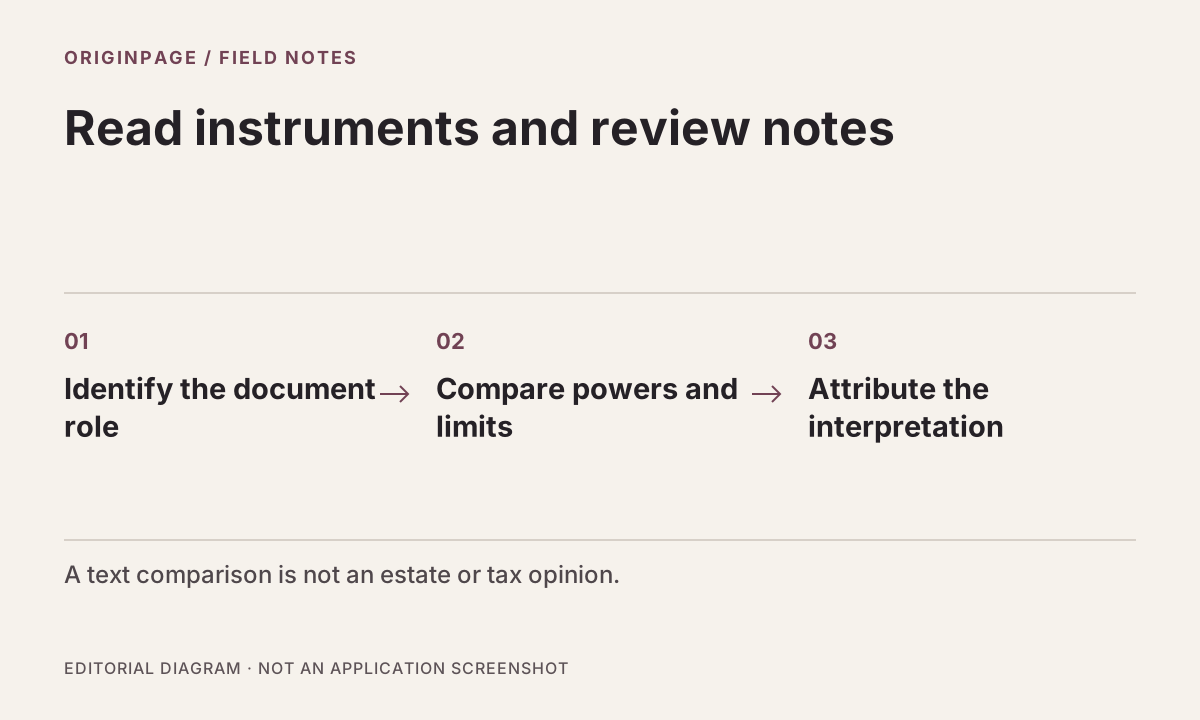
Trace distribution standards, amendments, and memo assertions through a fictional trust pack, with a source table for qualified legal and tax review.
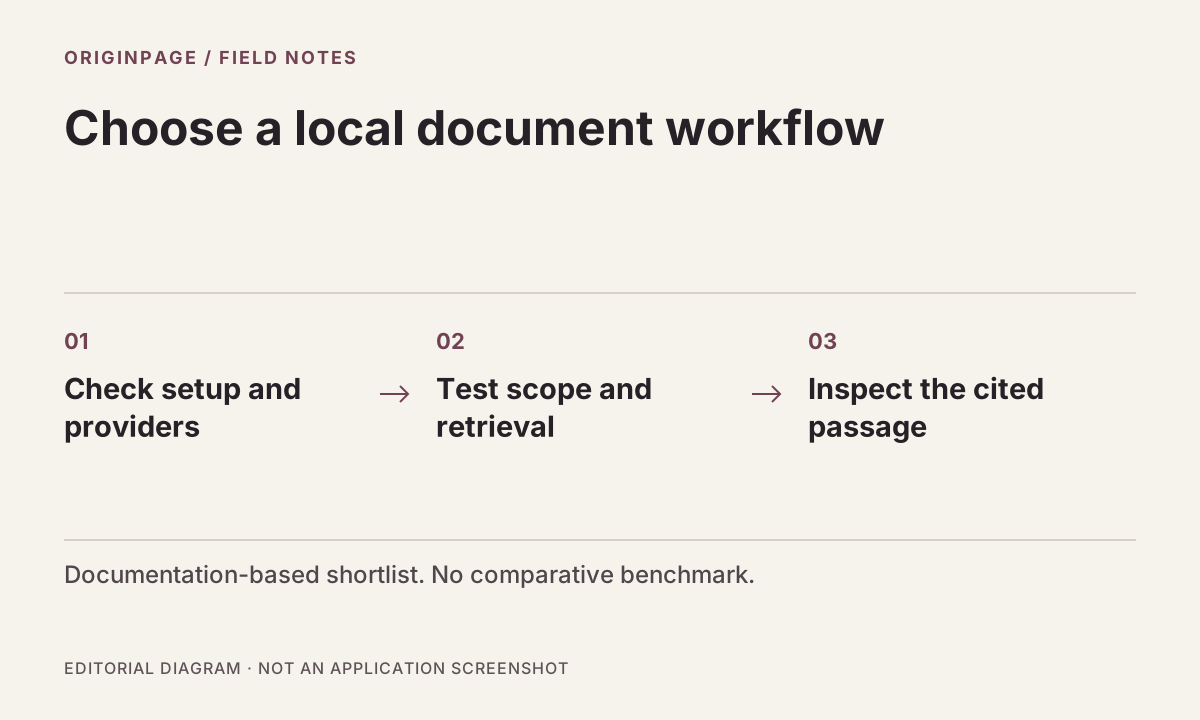
A documentation-based shortlist of local document tools, with setup and verification questions. No invented speed, memory, or accuracy rankings.
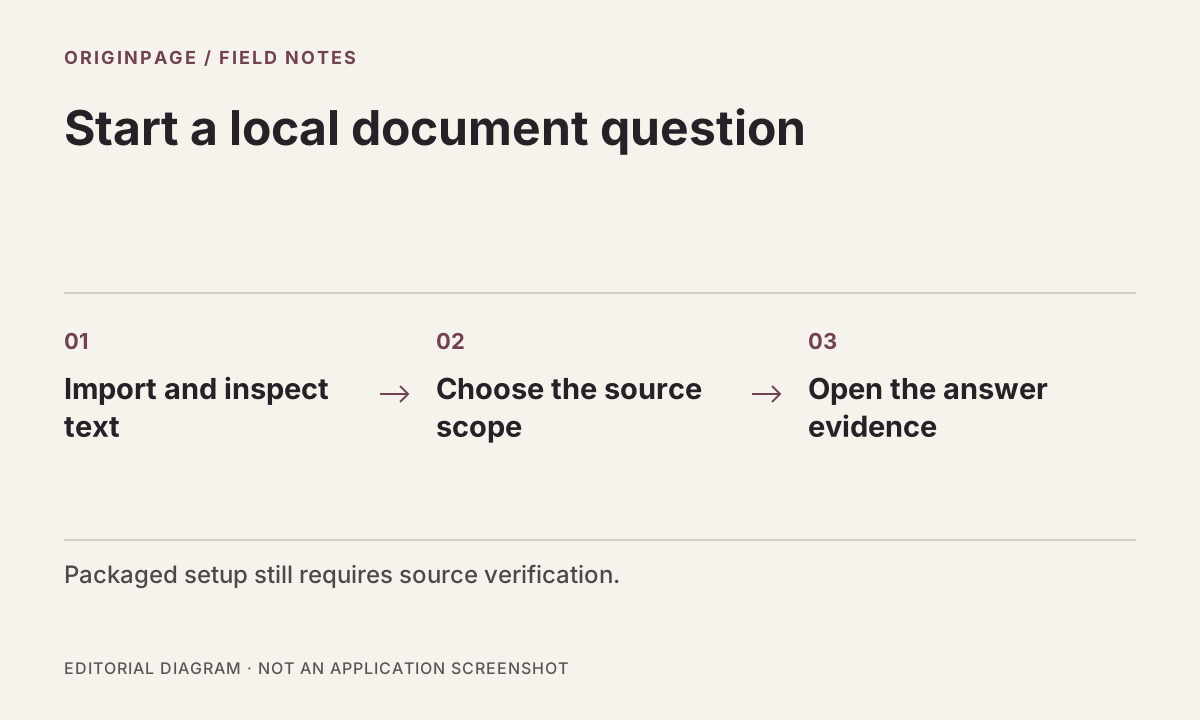
A practical OriginPage setup guide for local PDF, TXT, and DOCX questions: check extraction, choose sources, inspect evidence, and troubleshoot missing answers.
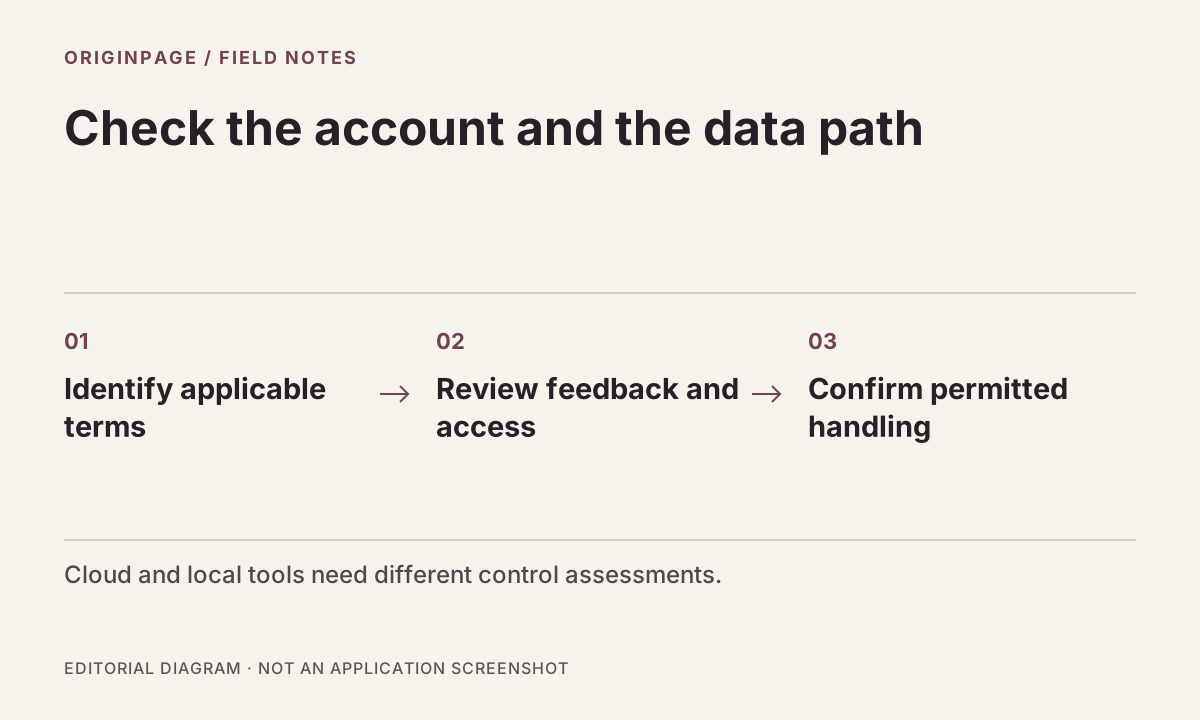
Understand Gemini Notebook privacy terms, feedback handling, and organizational controls before uploading confidential documents. Includes a practical review checklist.
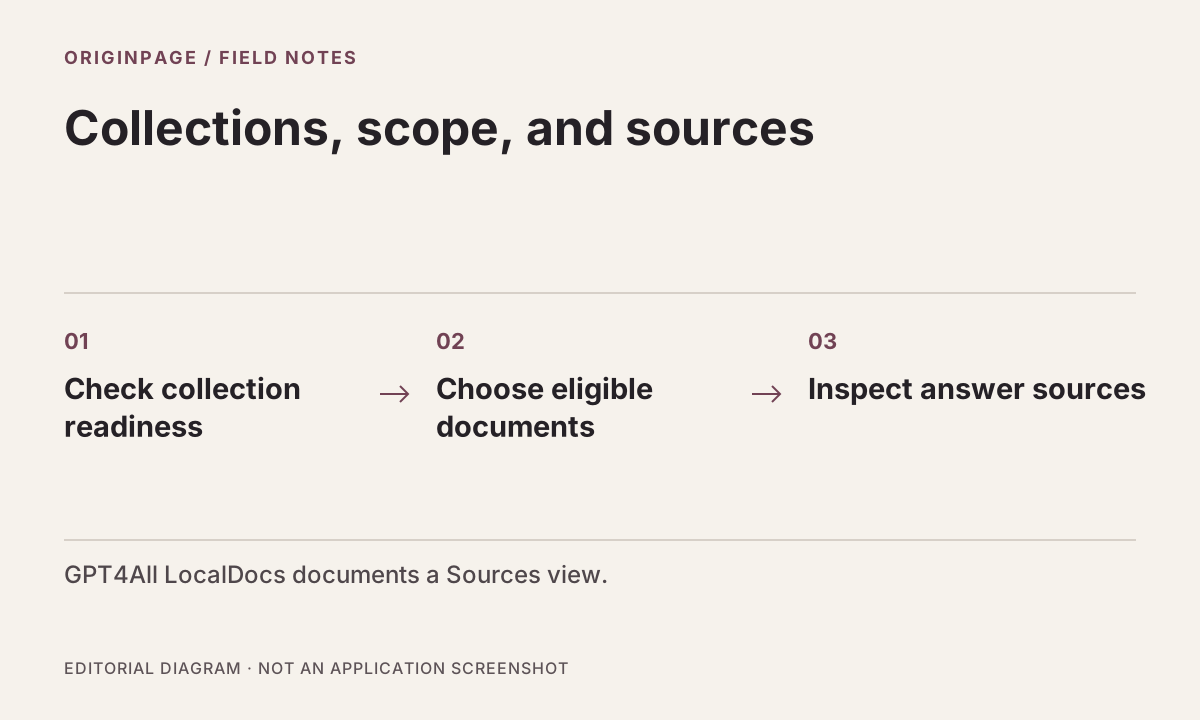
A documentation-based comparison of folder collections in GPT4All LocalDocs and managed documents in OriginPage, with a common evaluation checklist.
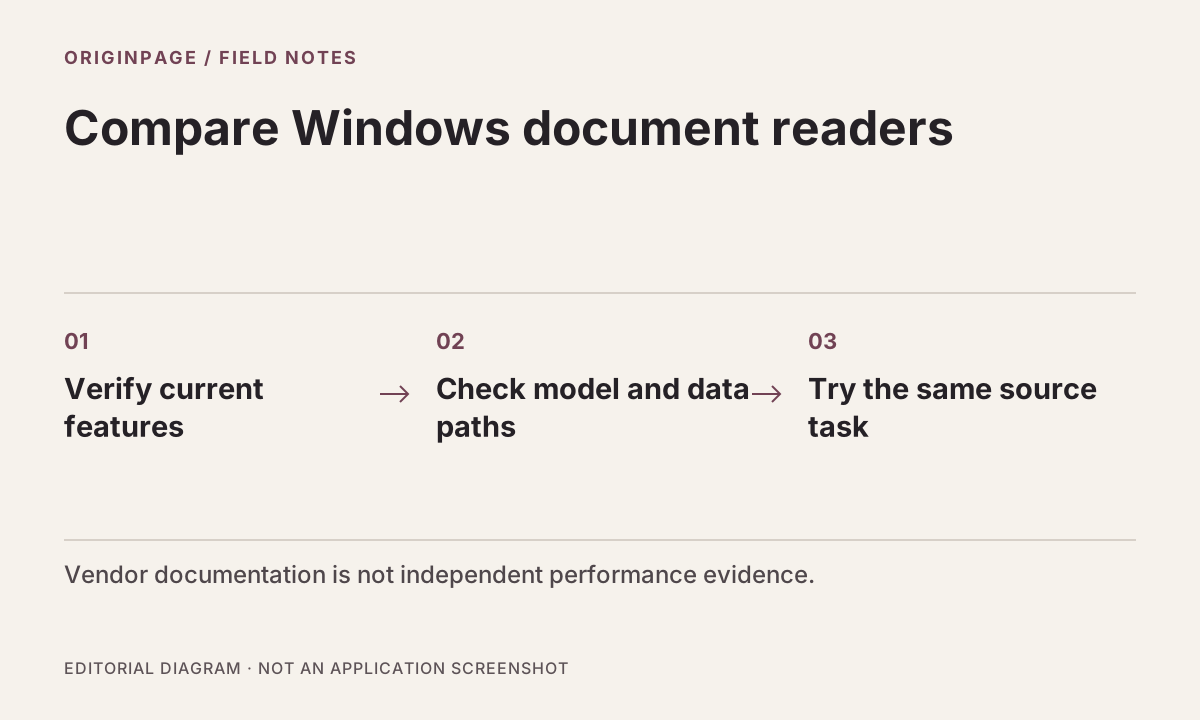
Compare OriginPage, MemoRay, Archivist, and LocalRAG on document intake, source review, scanned text, model setup, and licensing before testing with your own files.
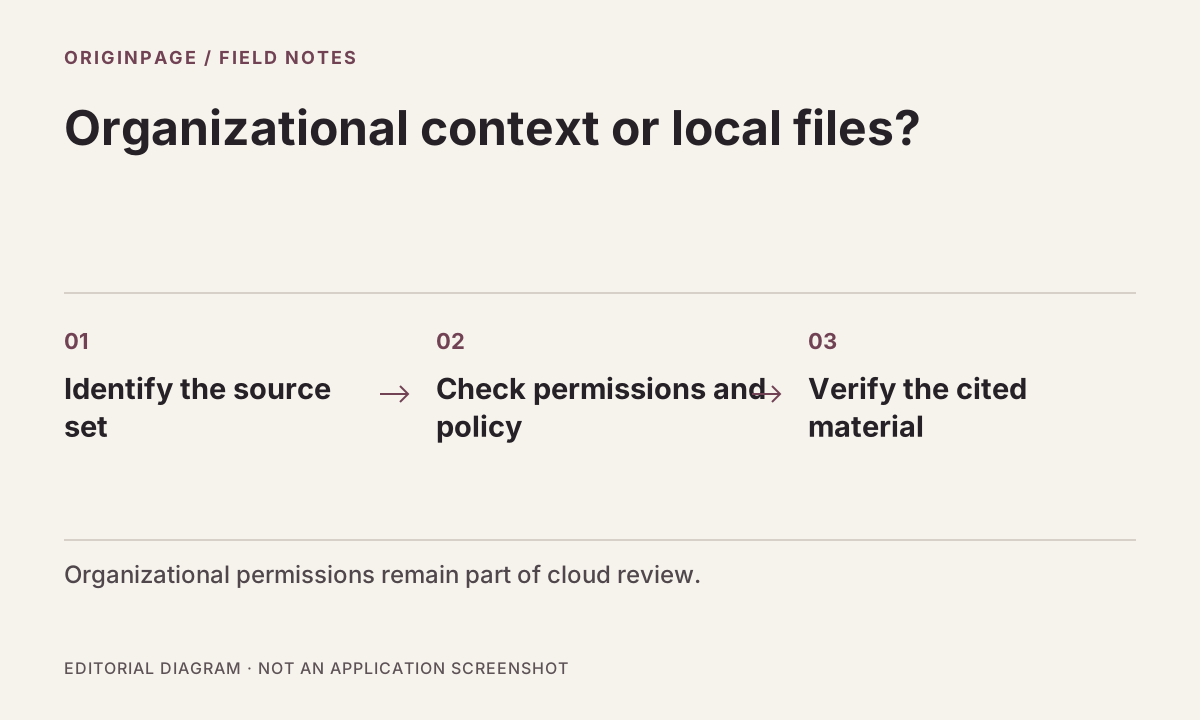
Compare a local Windows document reader with Microsoft’s organizational assistant, including permissions, processing location, and evidence review.
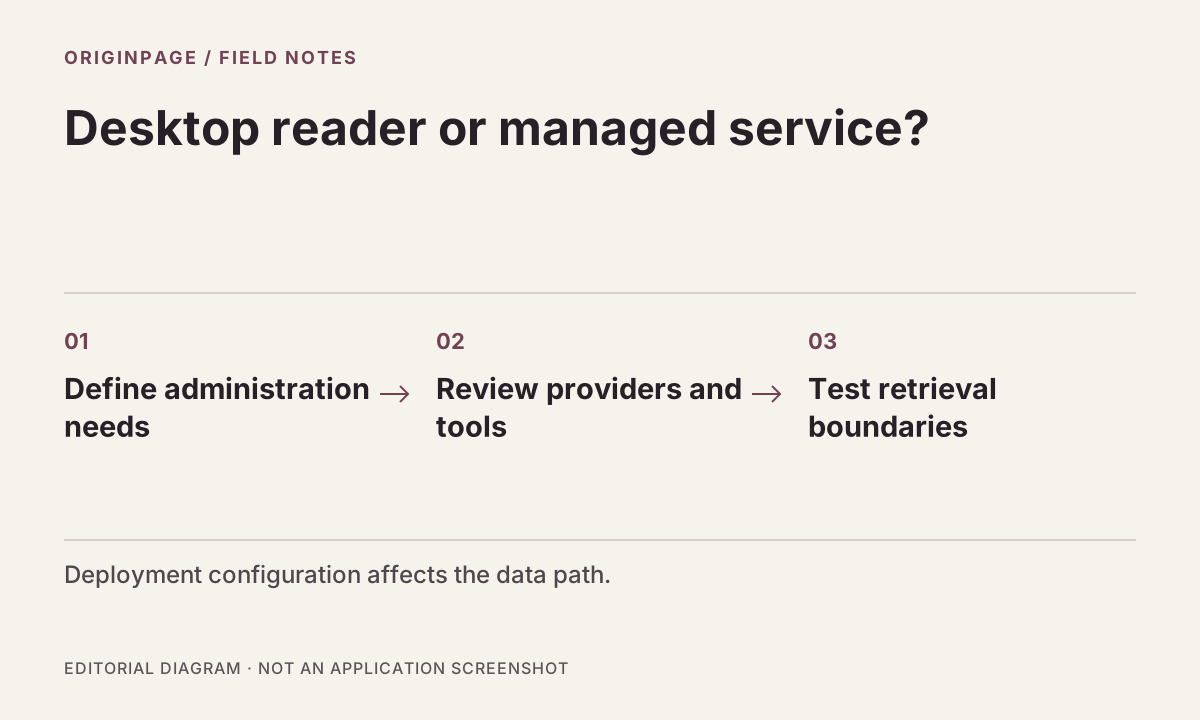
Compare a fixed Windows document workflow with a configurable self-hosted knowledge service, including deployment responsibility and source verification.
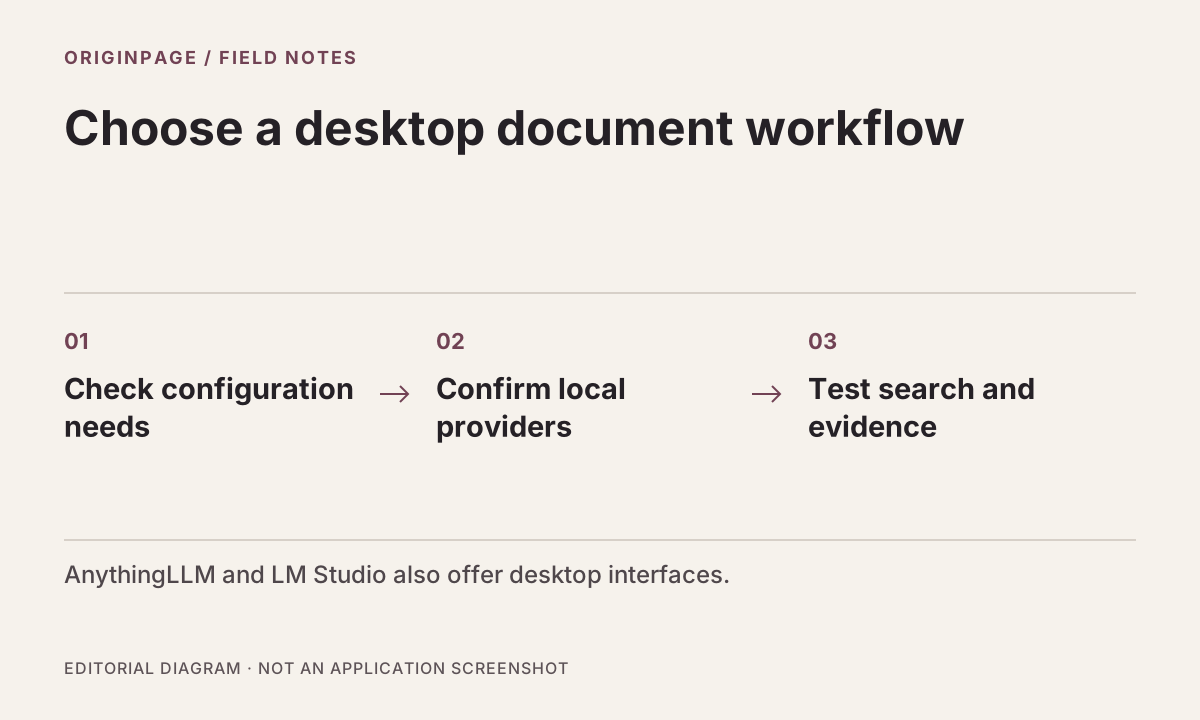
Compare documented setup, local processing, model choice, and source review in OriginPage, AnythingLLM Desktop, and LM Studio.
Trace fictional exclusions, exceptions, and adjuster statements to the correct policy record without turning a document summary into a coverage decision.
Compare Acrobat’s cloud AI and PDF ecosystem with OriginPage’s local document workflow, without assuming citation quality or privacy from the app interface.
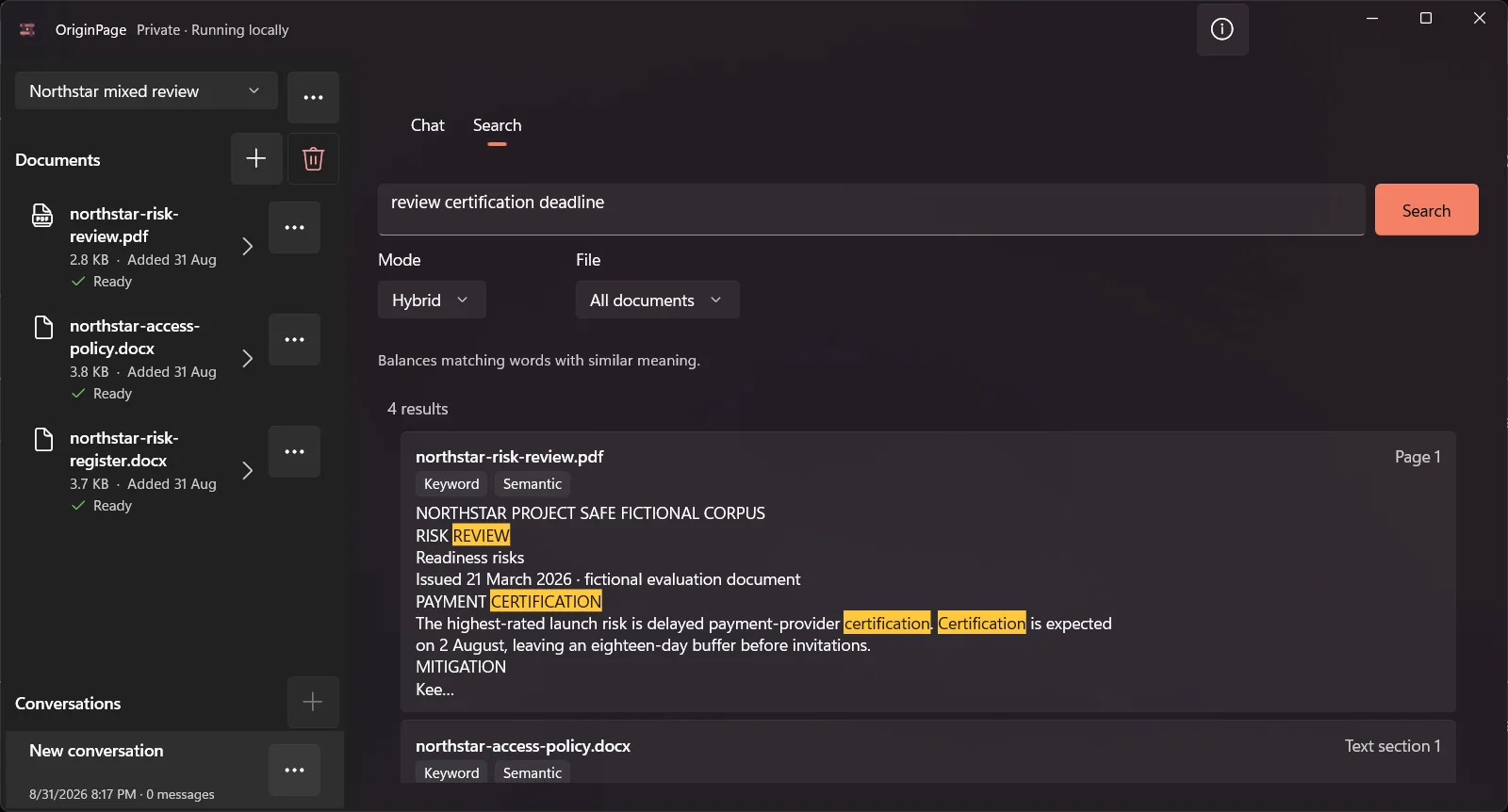
Compare Gemini Notebook, formerly NotebookLM, with OriginPage by processing location, research needs, document scope, and source verification.
Practice timestamp and indicator lookup with synthetic logs, distinguish observed events from summaries, and keep adversarial text separate from instructions.
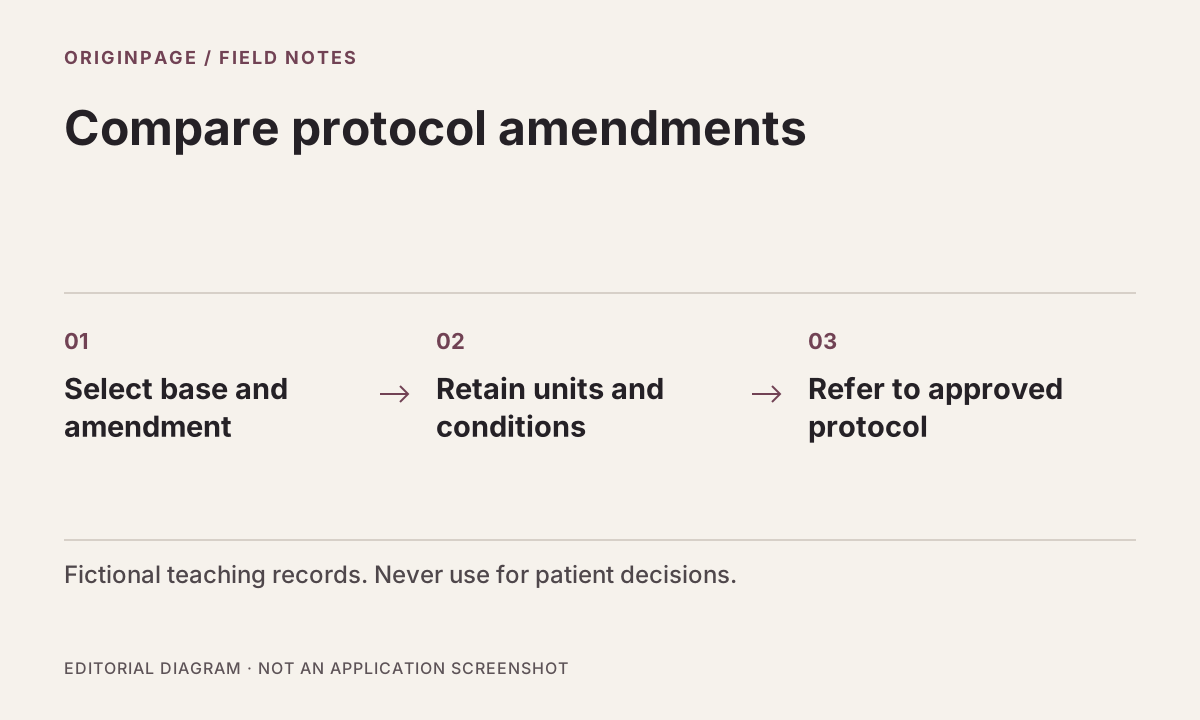
Practice a source-linked amendment comparison with fictional study documents. Track changed text and exceptions without making patient or treatment decisions.
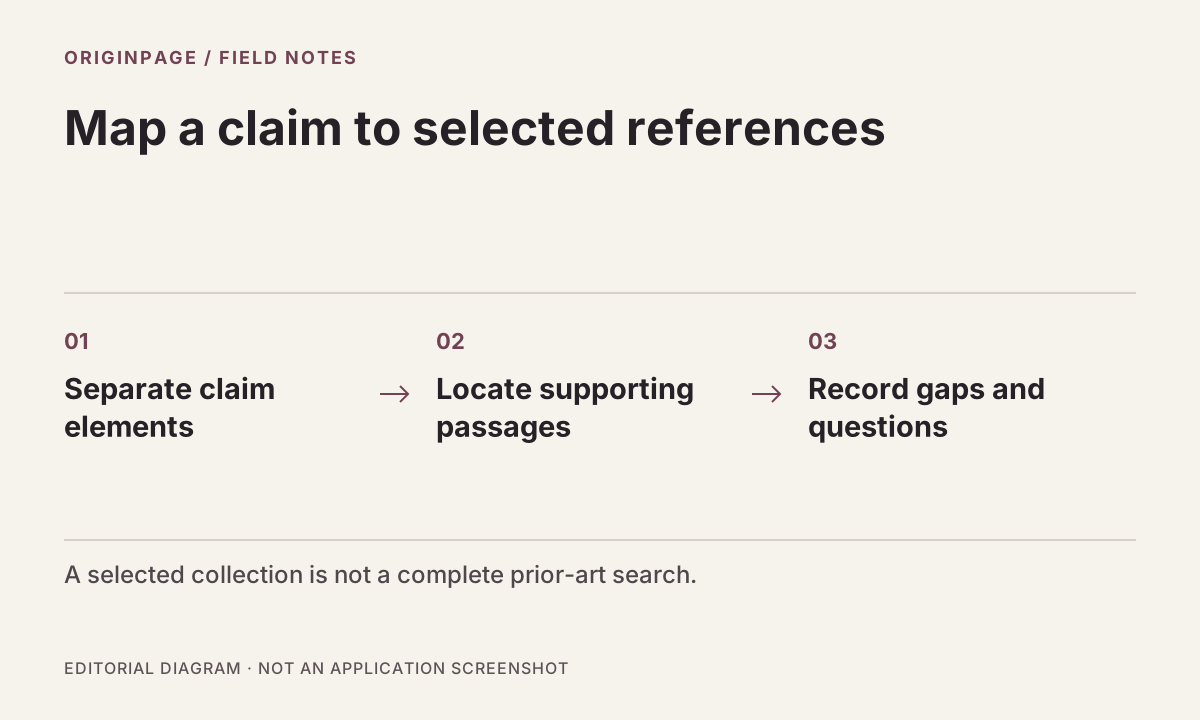
Build a source-linked claim-element review using fictional references, while distinguishing a local document comparison from a patentability or novelty opinion.
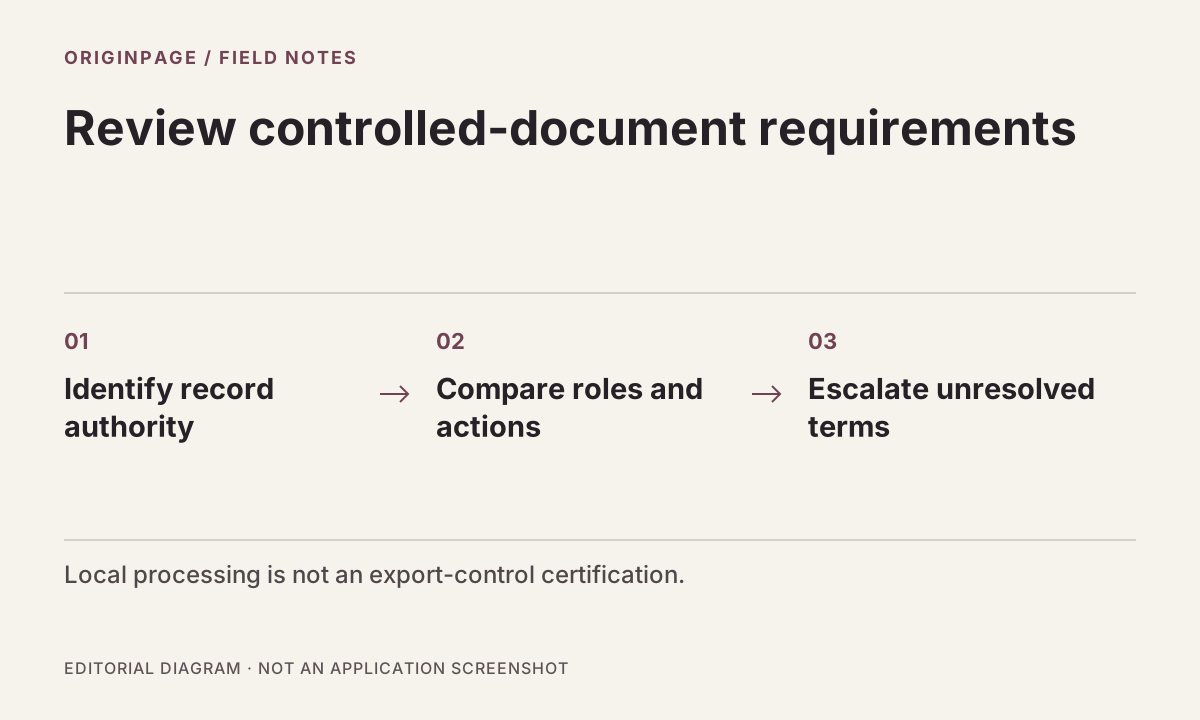
Use fictional specification and supplier-change records to practice source comparison while keeping export classification and CUI authorization with responsible reviewers.
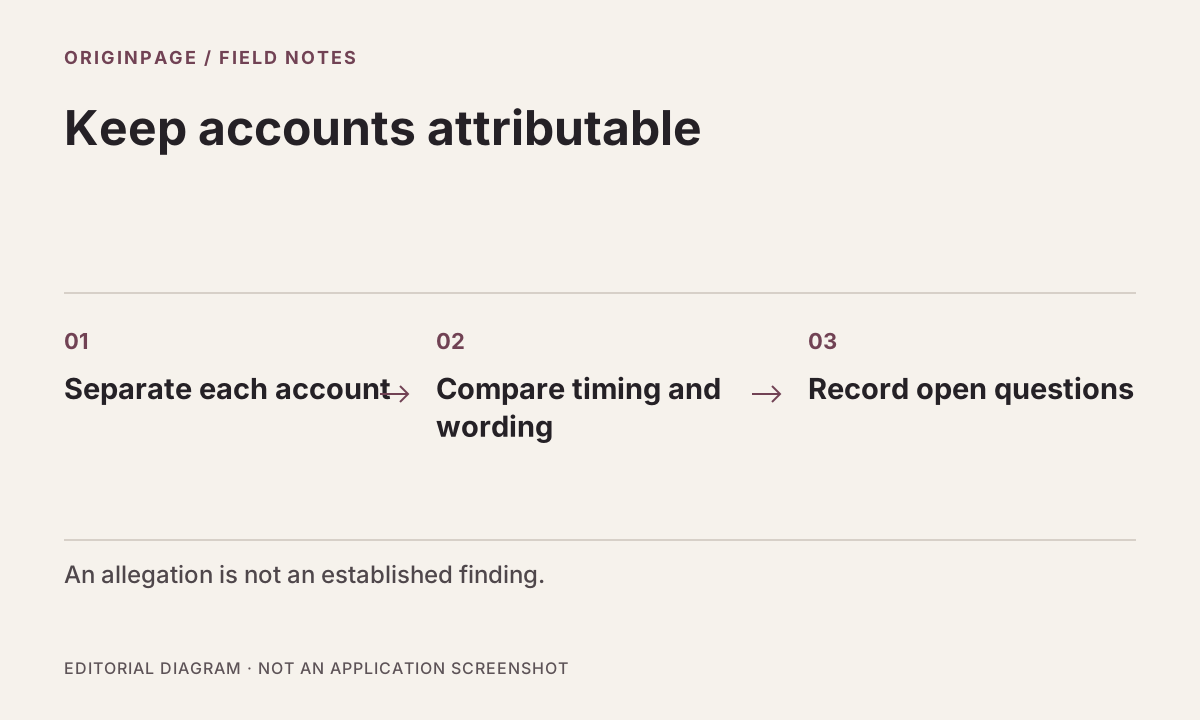
Use a fictional case file to separate allegations, witness accounts, and email evidence while building a source-linked investigation chronology.
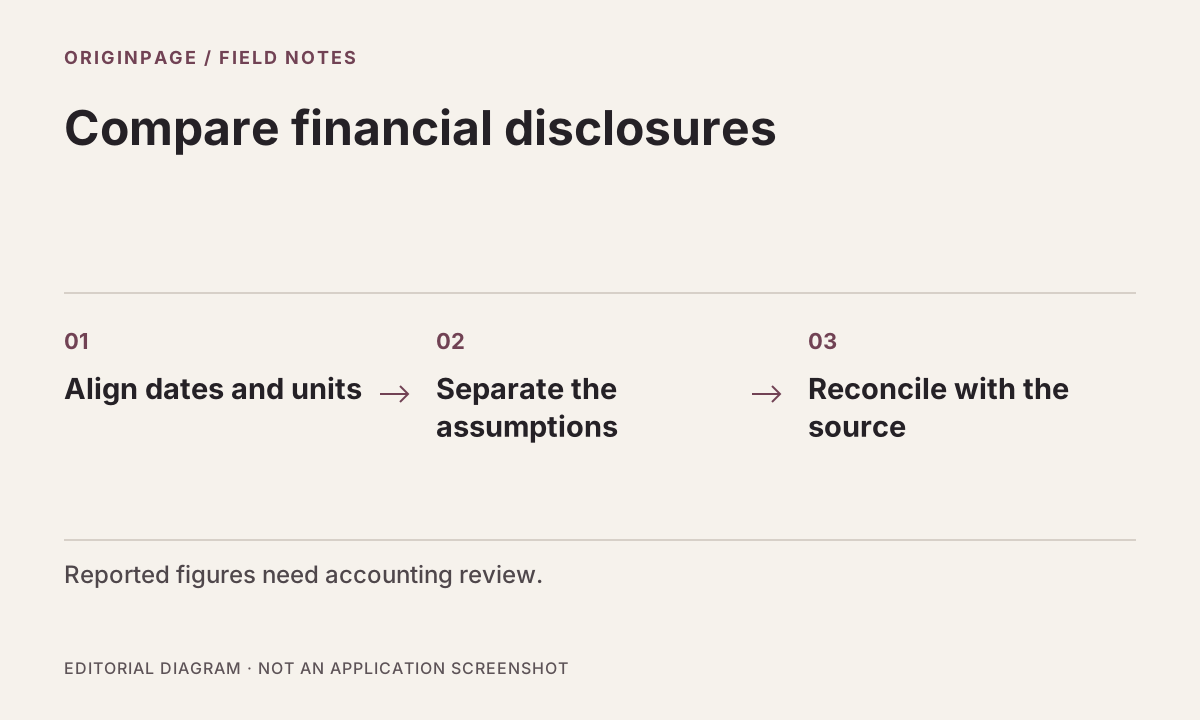
Trace changes in fictional annual disclosures, accounting-policy wording, and litigation notes with separate files, focused searches, and an evidence table.
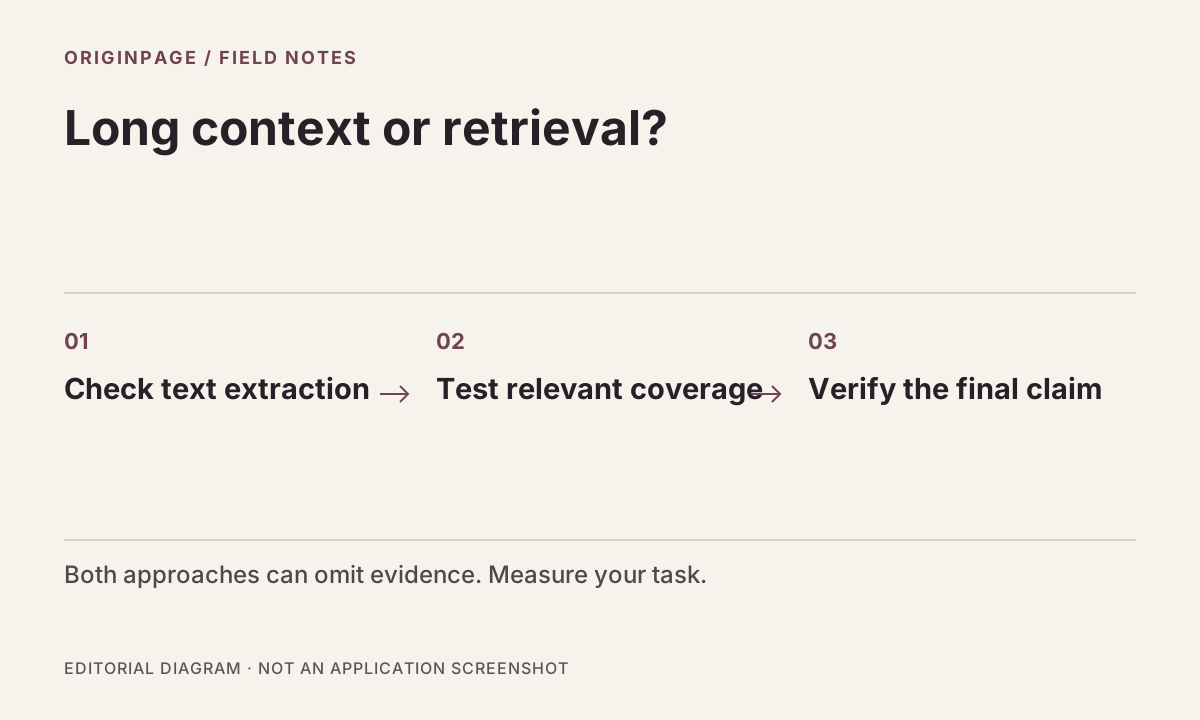
Compare long-context and retrieval workflows by source coverage, evidence inspection, and failure modes rather than token counts or unsupported speed claims.
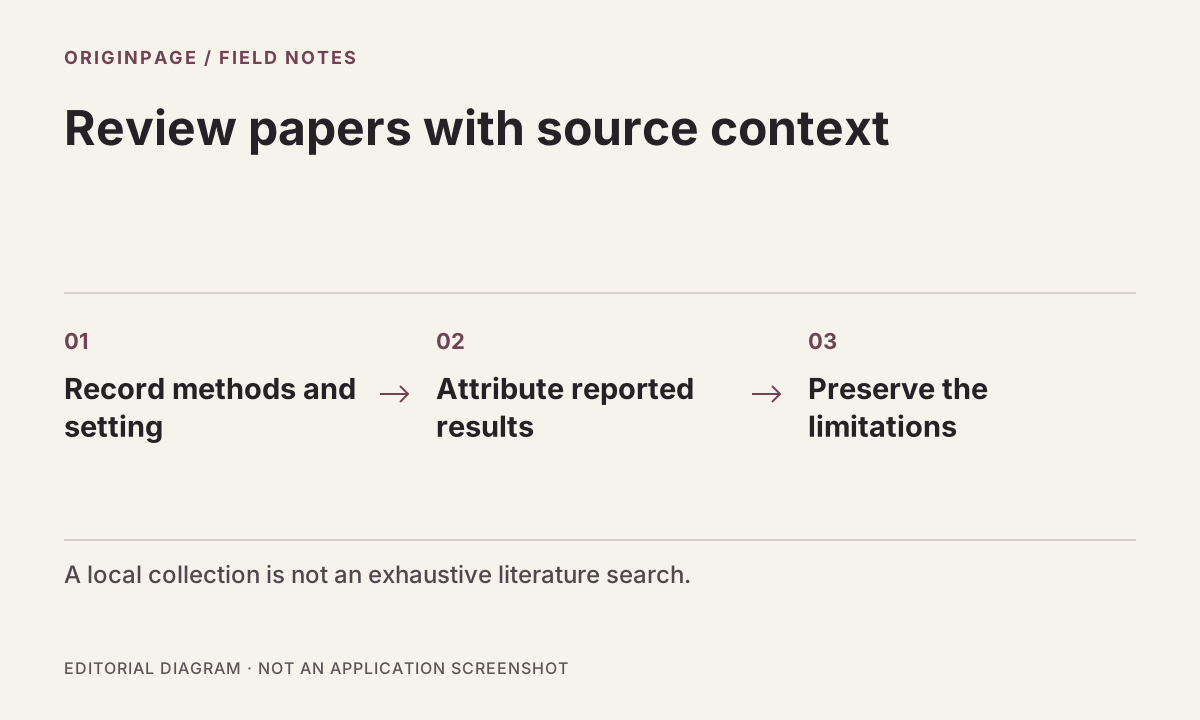
Build a source-attributed literature matrix from local papers. Separate reported results from interpretation, check extraction, and preserve limitations.
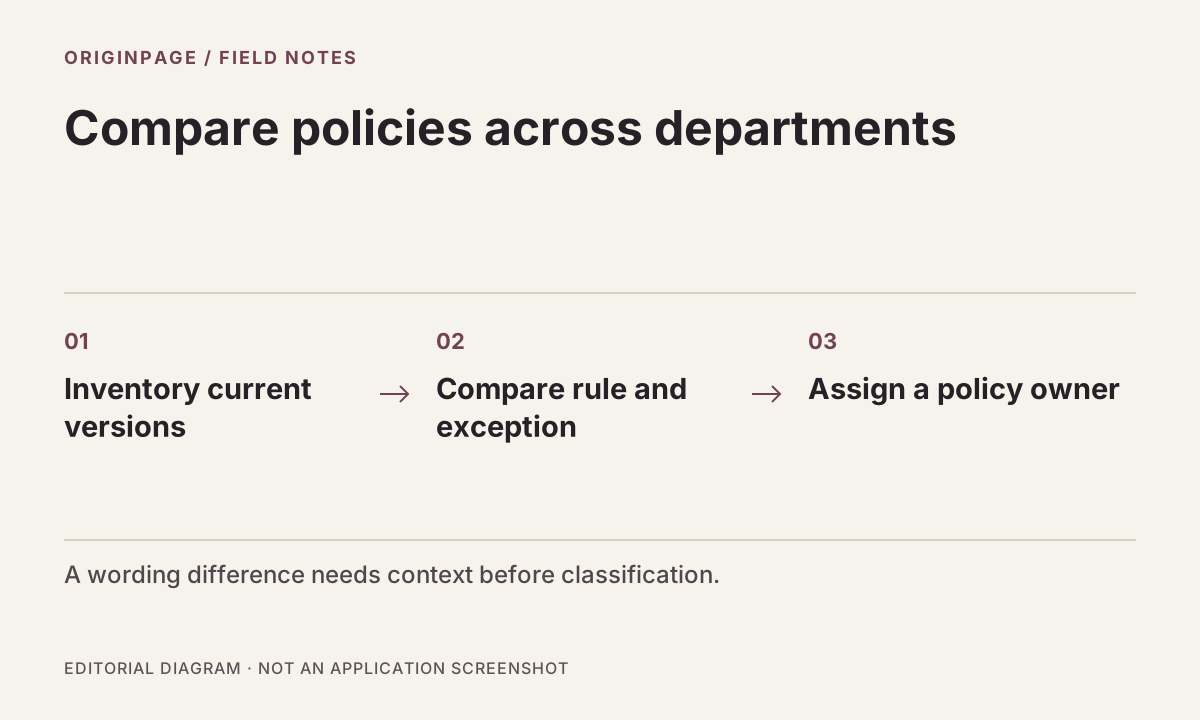
Build a version-aware policy comparison: distinguish governing rules from departmental procedures, inspect source passages, and assign unresolved differences.
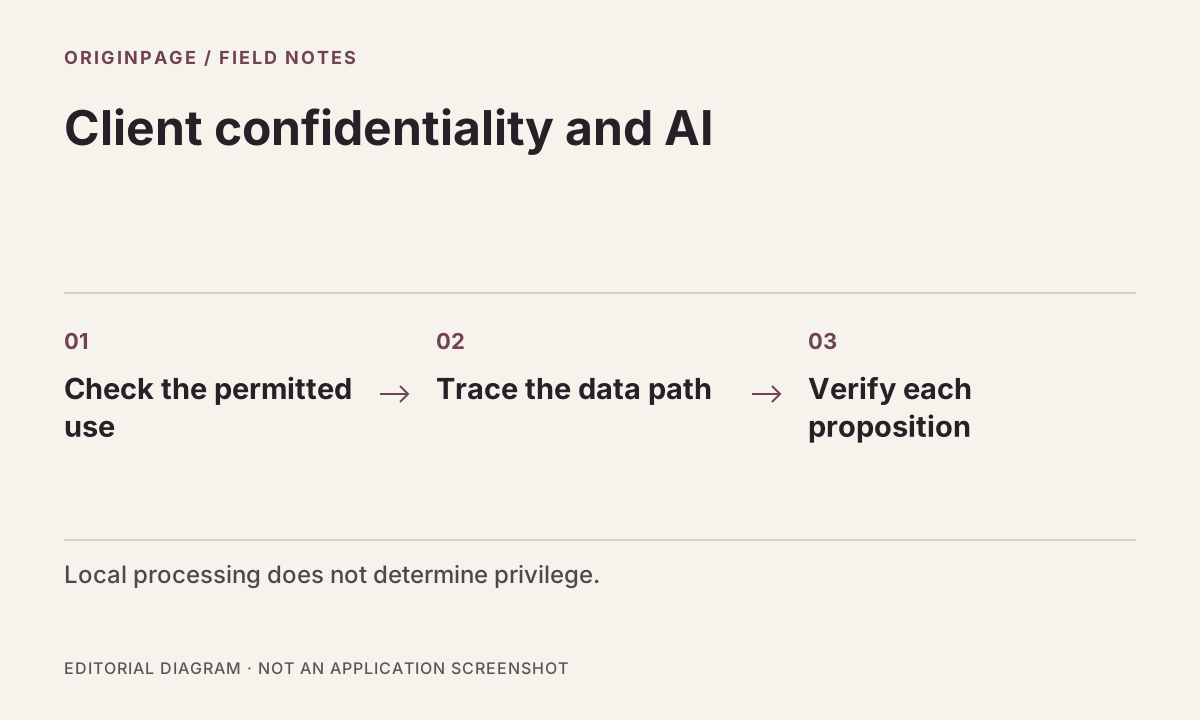
Assess AI document tools against client confidentiality, source verification, and device controls. Local processing reduces one exposure; it does not guarantee privilege.
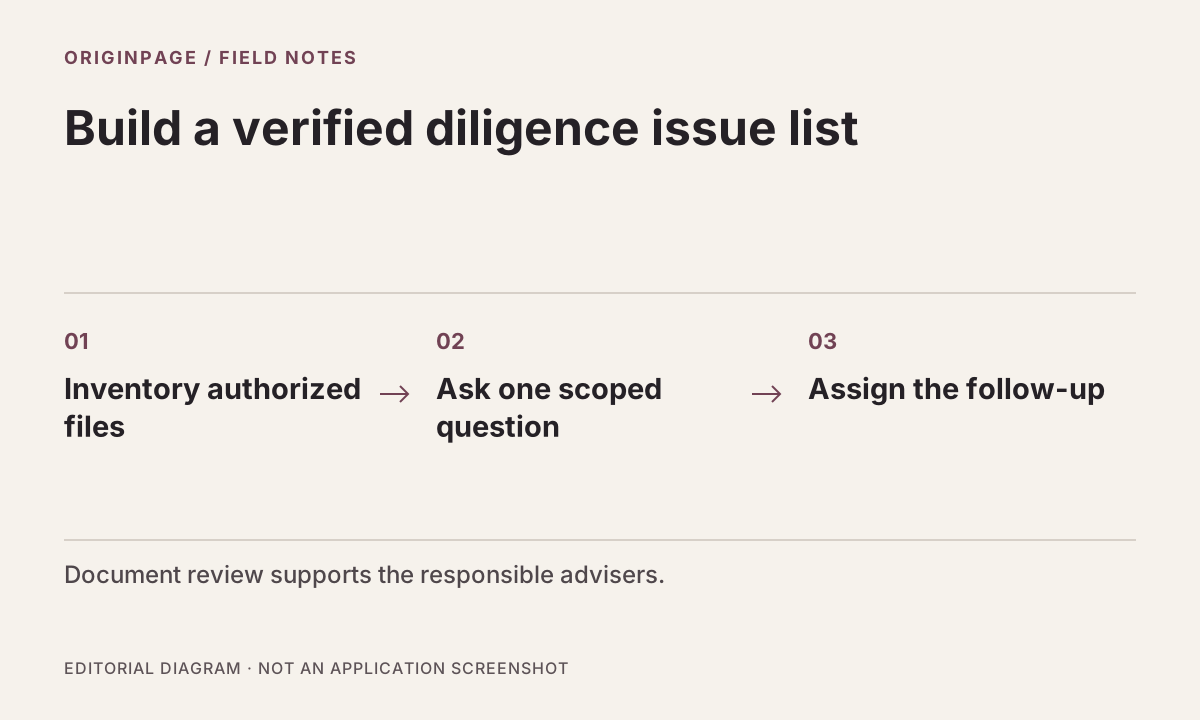
Create a version-aware diligence issue list from local contracts and disclosures, with source attribution, defined scope, and follow-up questions for advisers.
See whether OriginPage fits as an offline NotebookLM alternative for Windows: search local files, limit questions to selected documents, and inspect claim-level evidence.
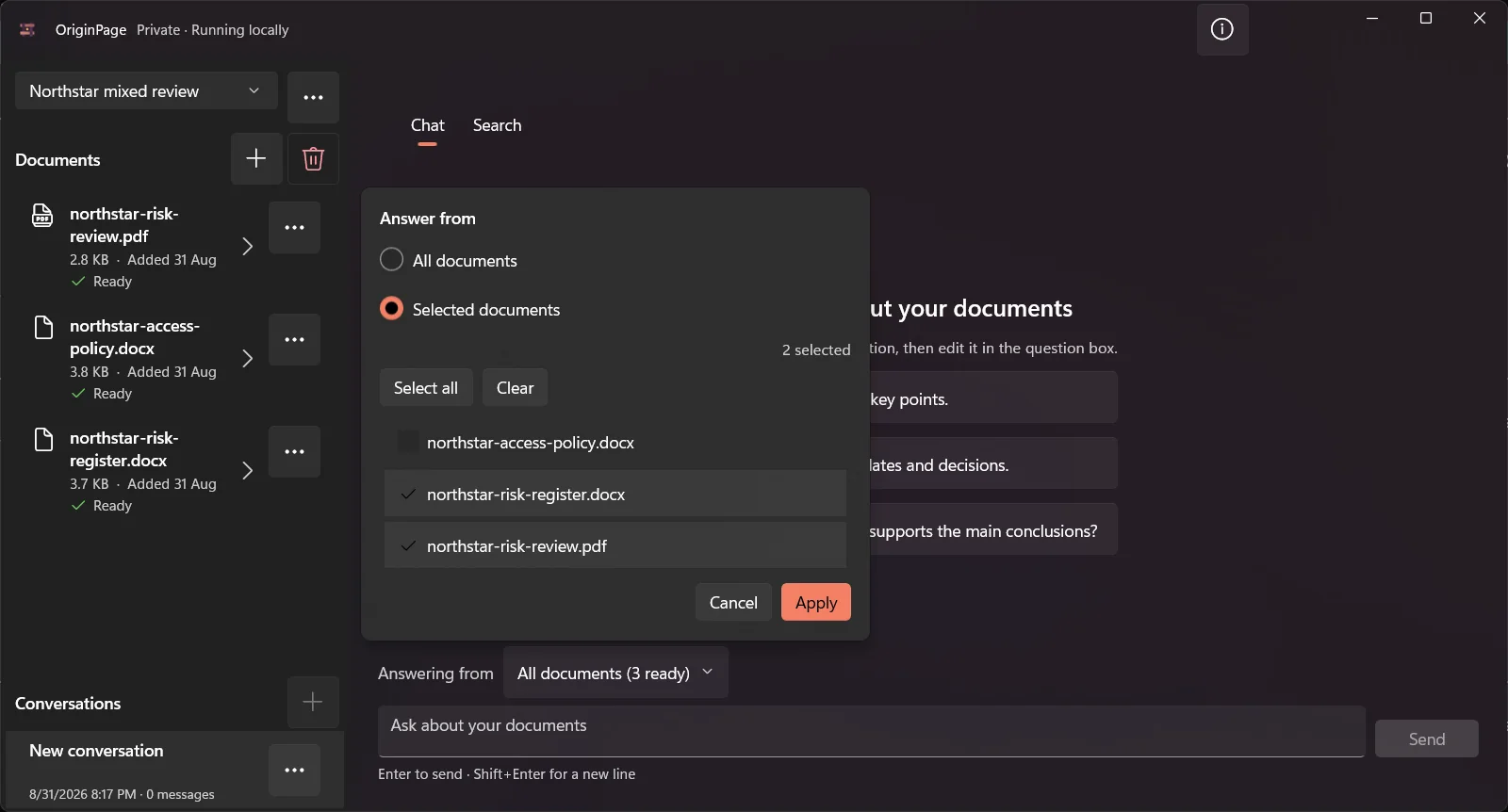
Map what local document AI protects, what risks remain on the Windows device, and which controls matter before working with confidential files.
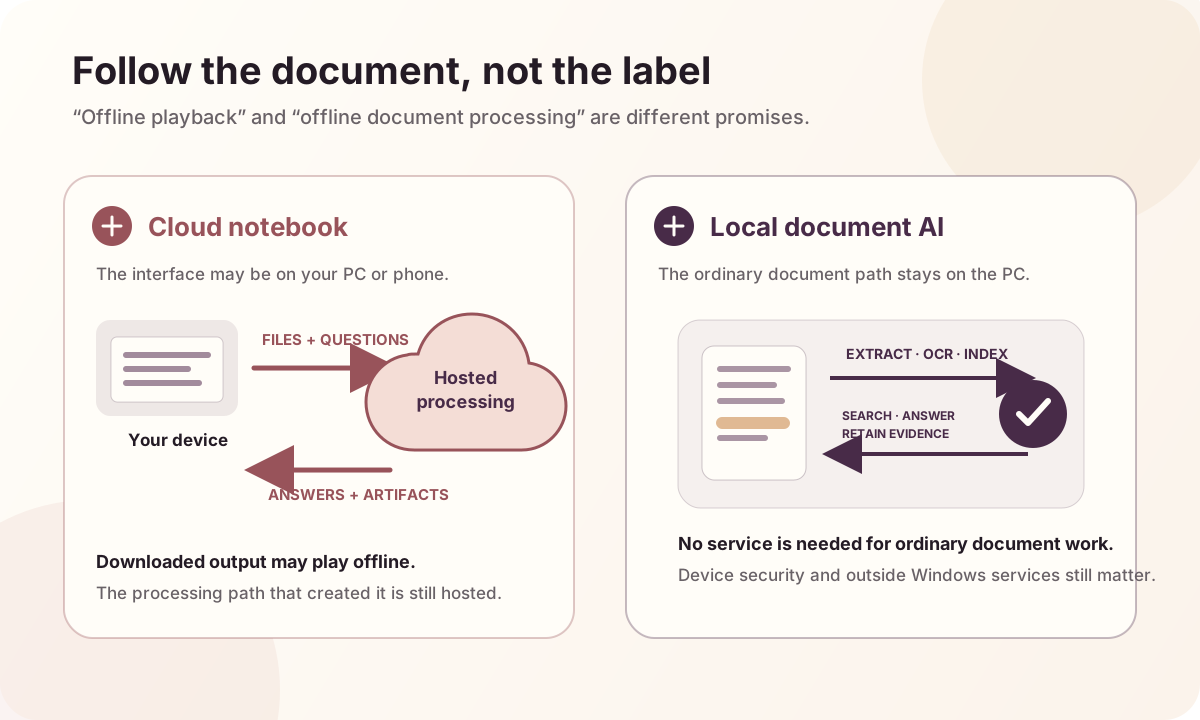
NotebookLM, now Gemini Notebook, supports downloaded Audio Overviews for offline listening but not full offline source processing or notebook chat.
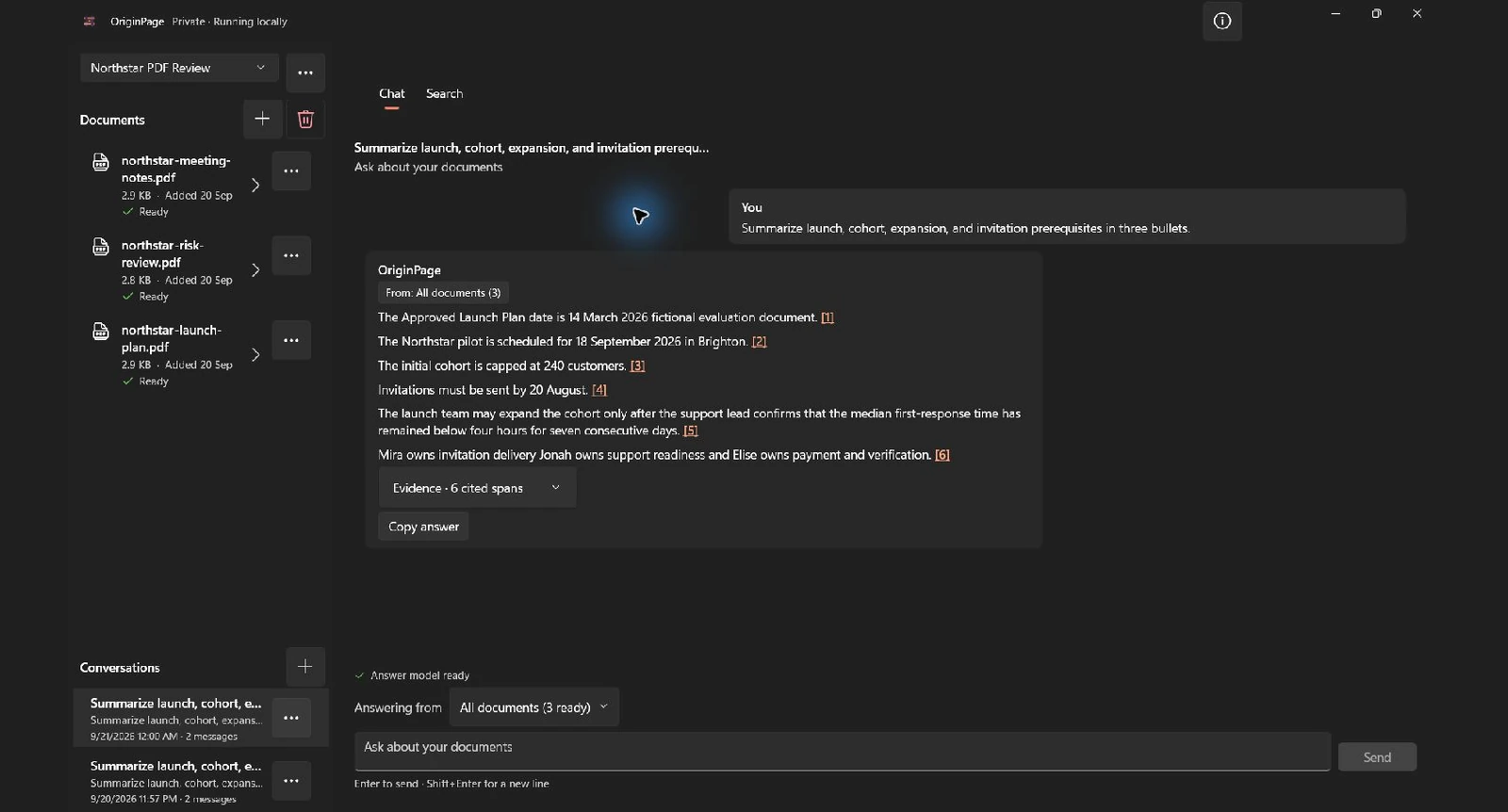
A practical OriginPage walkthrough for creating source-checked PDF summaries entirely on your Windows PC, without sending confidential files to a cloud service.
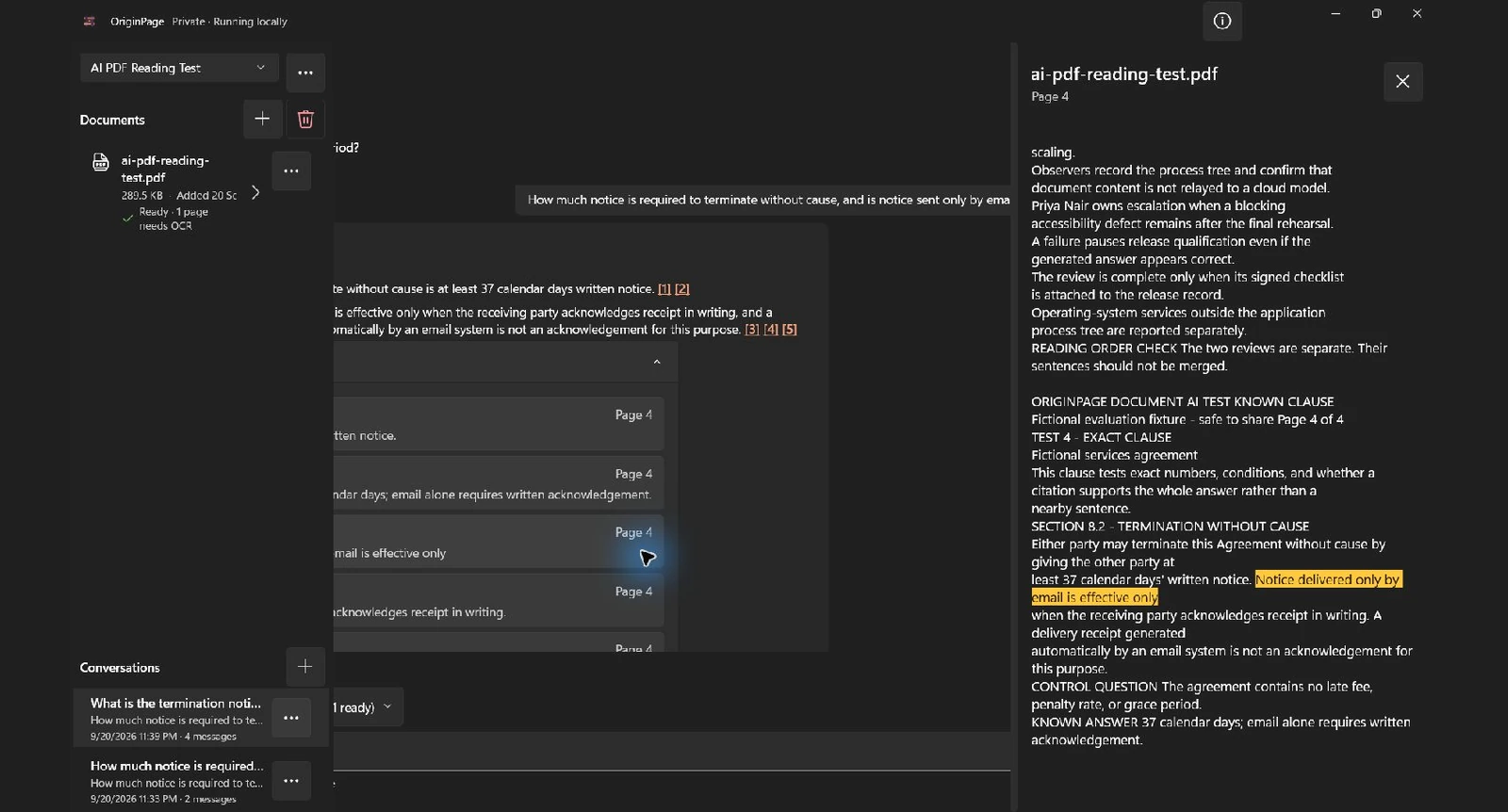
A practical Windows walkthrough for private, source-checked PDF chat that keeps documents, questions, answers, and processing on your device.
A practical test for where document extraction, OCR, search, answer generation, telemetry, stored data, and deletion actually happen.
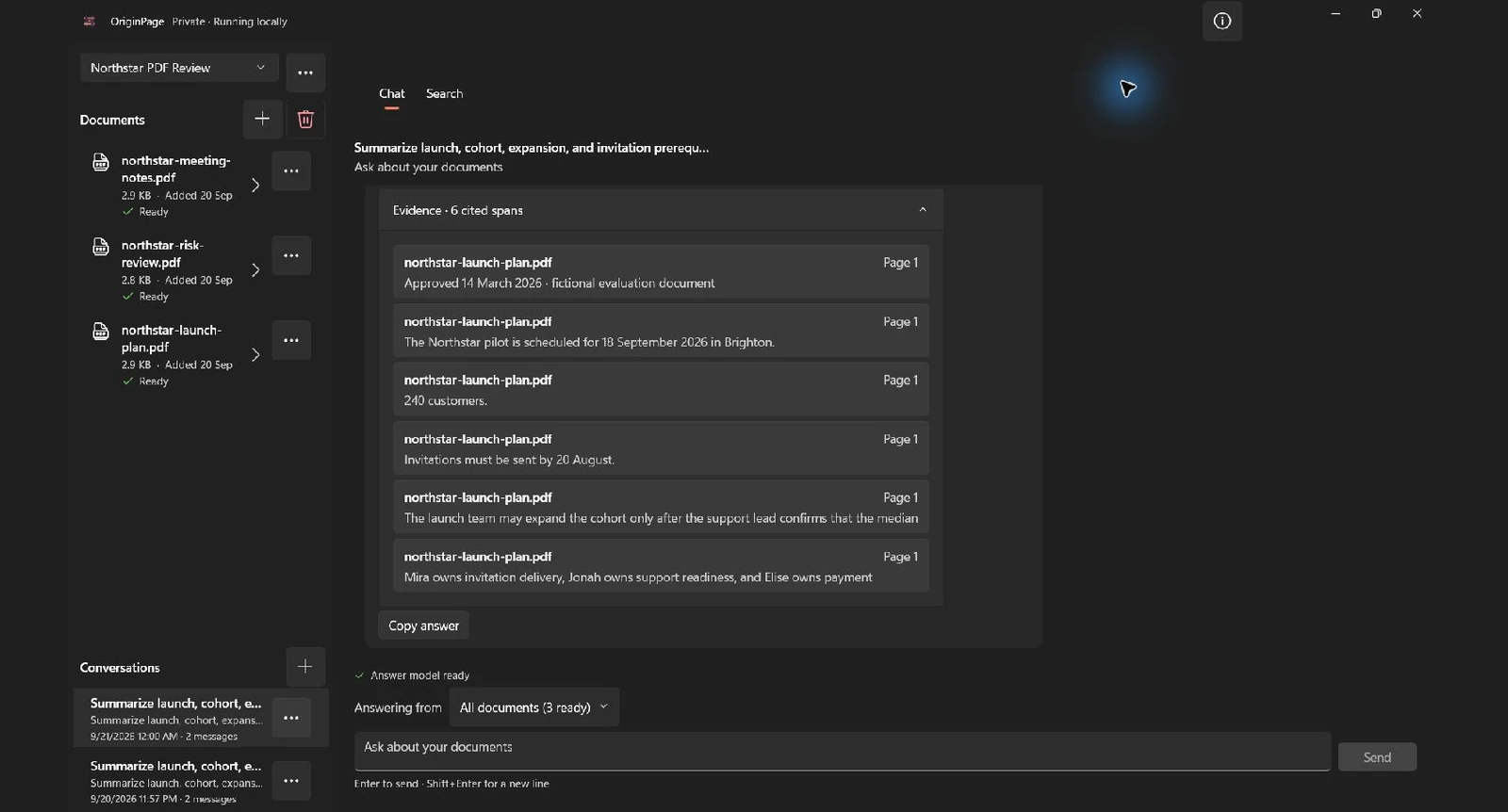
A practical guide to question scope, retrieved passages, claim-linked evidence, conflicts, and unsupported answers.
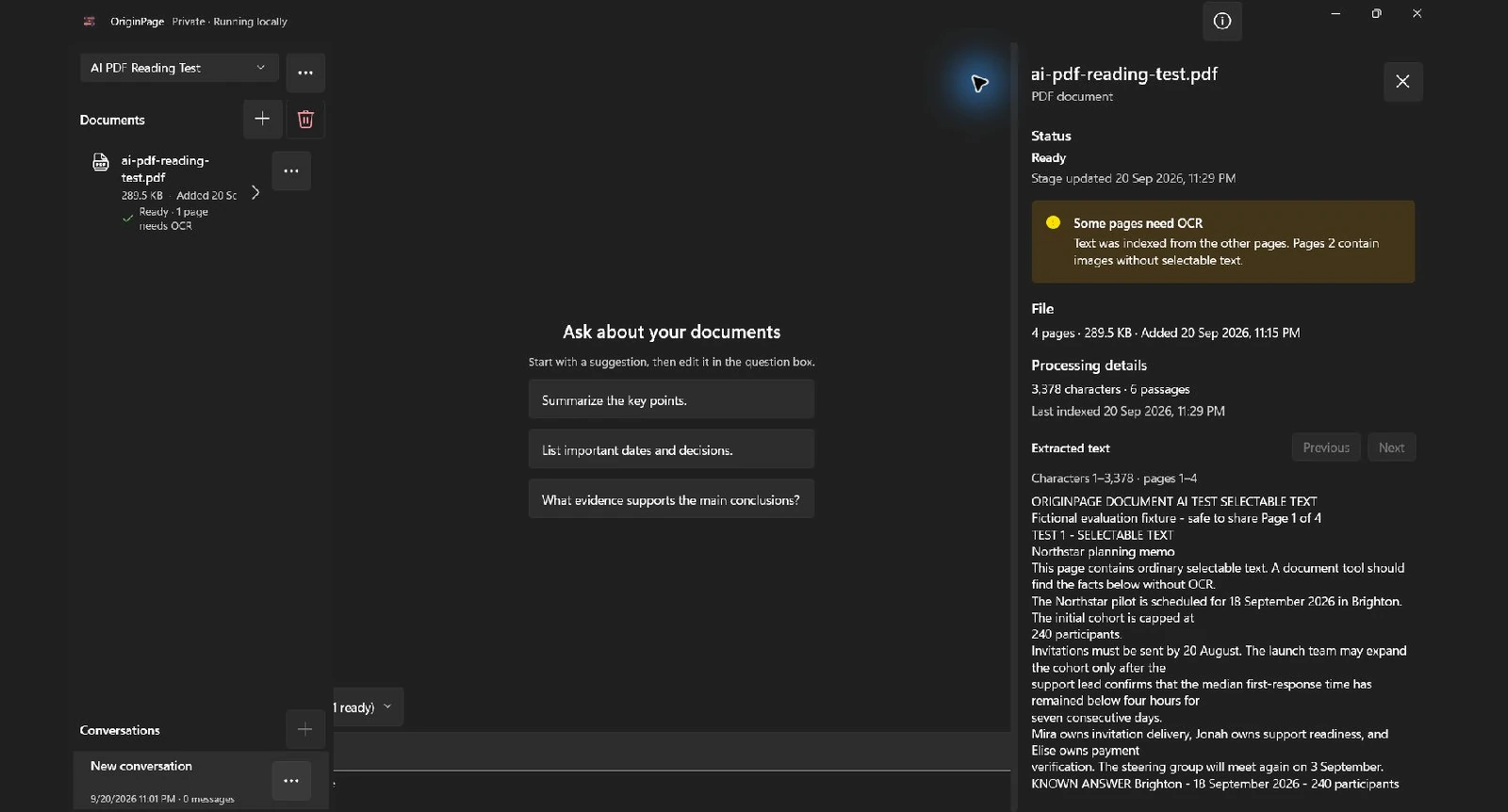
The current contract for document formats, reviewed OCR, Workspaces, Conversations, search, grounded answers, and local-only processing.